1
134
Graphical User Interface
5.4.5
Creating Procedures
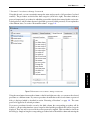
Procedures may be created from scratch or from selected program lines in the currently displayed procedure. When you start a new HDevelop program, there is only the main procedure. As the program
grows, you often find that chunks of code have to be reused or they constitute a functional unit. In these
cases, it is good practice to relocate the corresponding lines to a new procedure.
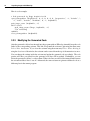
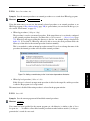
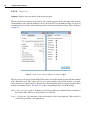
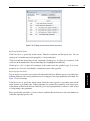
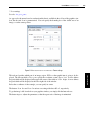
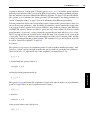
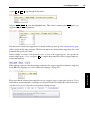
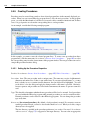
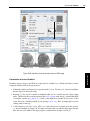
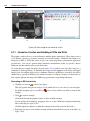
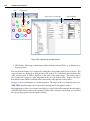
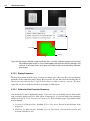
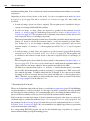
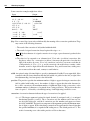
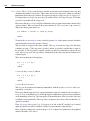
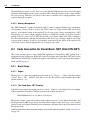
As an example, consider the following example program:
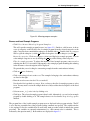
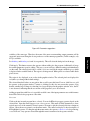
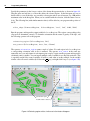
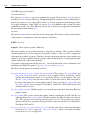
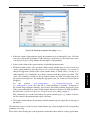
In this example, you want to reuse the selected program lines. To create a new procedure from these
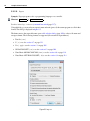
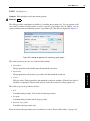
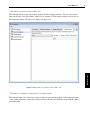
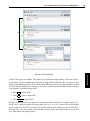
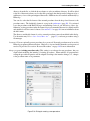
program lines, click the menu entry Procedures . Create New Procedure... (page 105) or select
the corresponding entry from the context menu of the program window. The new procedure can now be
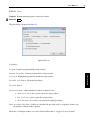
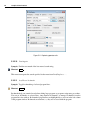
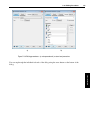
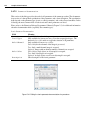
setup in the procedure interface dialog.
5.4.5.1
Setting Up the Procedure Properties
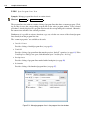
See also: Procedures . Create New Procedure... (page 105) / Edit Interface... (page 106).
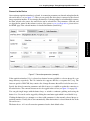
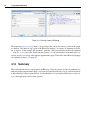
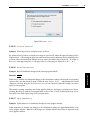
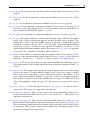
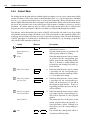
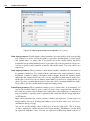
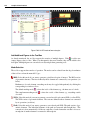
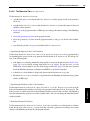
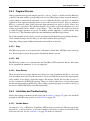
Procedure Name The new procedure needs a unique name. The name may consist of alphanumeric
characters and underscores. It has to start with a letter. If you enter an invalid name, i.e., a name
that is already in use or contains invalid characters, the text field will be highlighted. You will
not be able to close the dialog and apply the changes until a valid name is provided. Obviously,
because operators and procedures are called in the same manner, the names of operators cannot be
used.
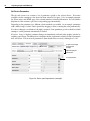
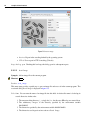
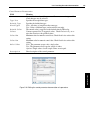
Type This check box determines whether the new procedure will be local or external. Local procedures
are saved within the HDevelop program while external procedures are saved as stand-alone files.
External procedures can be reused in other HDevelop programs. You can change the procedure
type at any time.
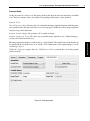
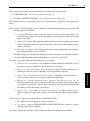
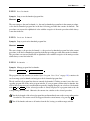
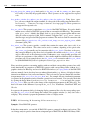
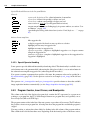
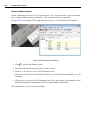
Directory (for external procedures) By default, a local procedure is created. If you want to create an
external procedure instead, you have to deselect the check box Local. When you do this, a target
directory has to be supplied:
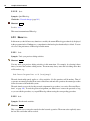
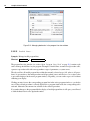
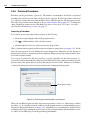
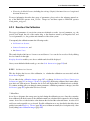
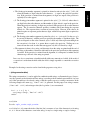
The first directory specified in the procedure preferences (see section “External Procedures
-> Directories” on page 75) is suggested as the target directory. You can select an appropriate