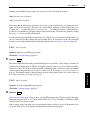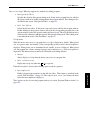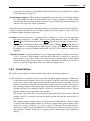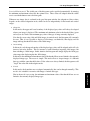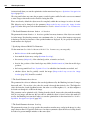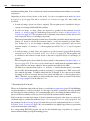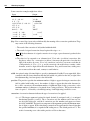
1
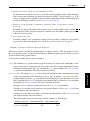
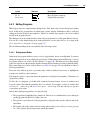
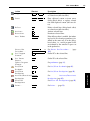
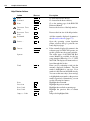
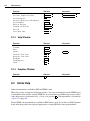
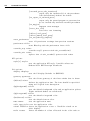
Meaning
Abbreviation
Notation
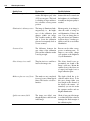
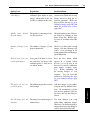
line feed
NL (LF)
\n
horizontal tabulator
HT
\t
vertical tabulator
VT
\v
backspace
BS
\b
carriage return
CR
\r
form feed
FF
\f
bell
BEL
\a
backslash
\
\\
single quote
’
\’
arbitrary character (hexadecimal)
\xnn
arbitrary character (octal)
\0nnn
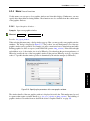
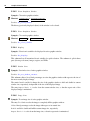
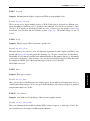
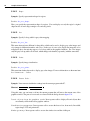
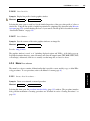
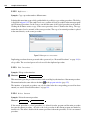
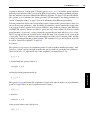
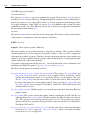
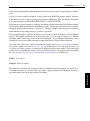
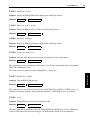
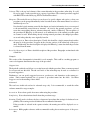
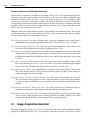
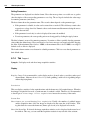
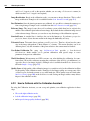
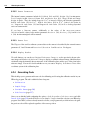
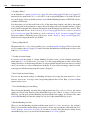
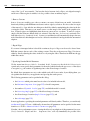
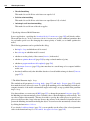
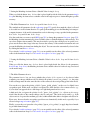
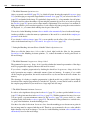
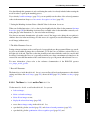
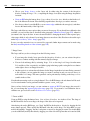
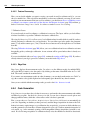
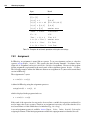
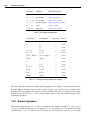
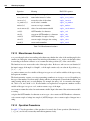
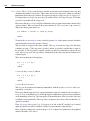
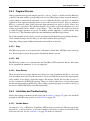
Table 7.1: Surrogates for special characters.
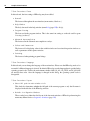
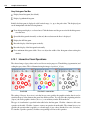
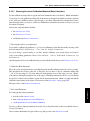
true. Please note that some HALCON operators take logical values for input (e.g., set_system).
In this case the HALCON operators expect string constants like ’true’ or ’false’ rather than
the boolean values true or false.
In addition to these general types, there are special constants and the type tuple, which are specific to
HALCON or HDevelop, respectively.
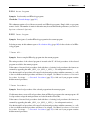
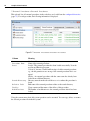
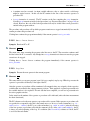
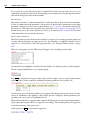
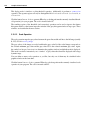
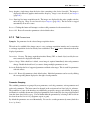
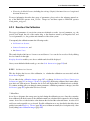
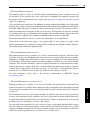
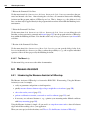
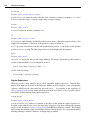
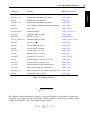
constants There are constants for the return value (result state) of an operator. The constants can be used
together with the operator dev_error_var and dev_set_check. These constants represent the
normal return value of an operator, so called messages. For errors no constants are available (there
are more than 400 error numbers internally, see the Extension Package Programmer’s Manual).
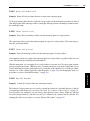
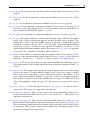
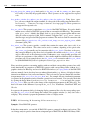
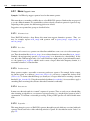
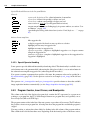
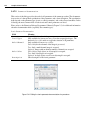
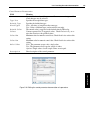
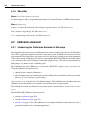
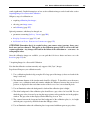
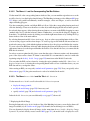
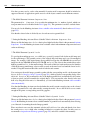
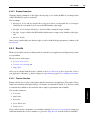
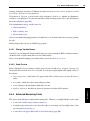
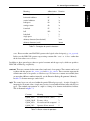
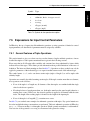
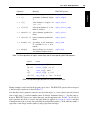
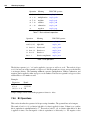
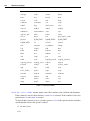
In table 7.2 all return messages can be found.
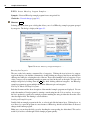
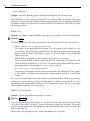
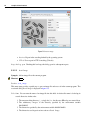
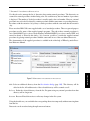
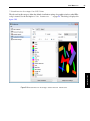
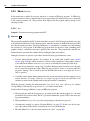
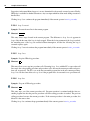
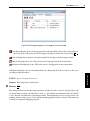
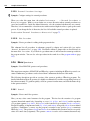
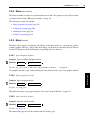
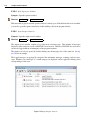
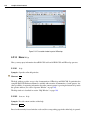
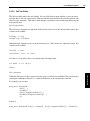
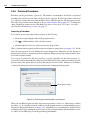
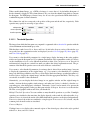
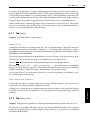
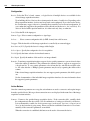
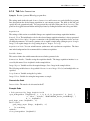
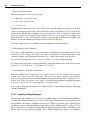
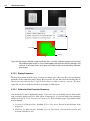
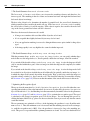
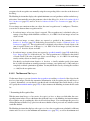
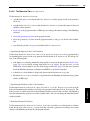
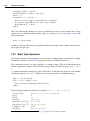
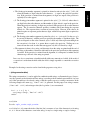
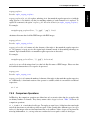
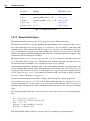
tuple The control types are only used within the generic HDevelop type tuple. A tuple of length 1 is
interpreted as an atomic value. A tuple may consist of several numerical data items with different
types. The standard representation of a tuple is a listing of its elements included into brackets.
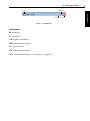
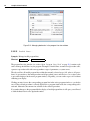
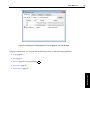
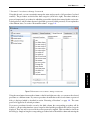
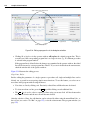
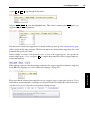
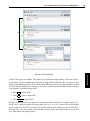
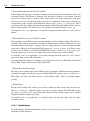
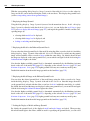
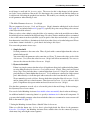
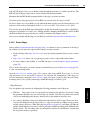
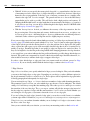
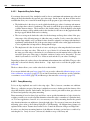
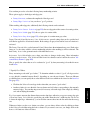
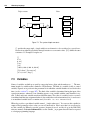
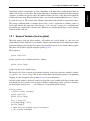
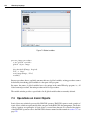
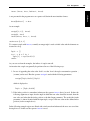
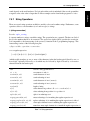
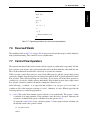
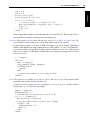
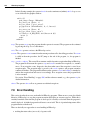
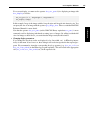
This is illustrated in figure 7.1.
Constant
Meaning
Value
H_MSG_TRUE
No error; for tests: (true)
2
H_MSG_FALSE
For tests: false
3
H_MSG_VOID
No result could be computed
4
H_MSG_FAIL
Operator did not succeed
5
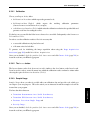
Table 7.2: Return values for operators.
269
Language
7.2 Control Types and Constants