1
Programming HDevelop
33
Chapter 4
Programming HDevelop
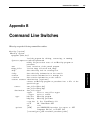
hdevelop -reset_preferences
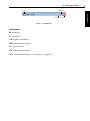
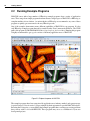
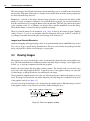
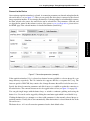
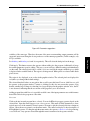
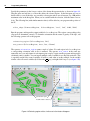
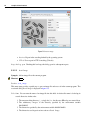
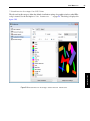
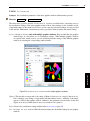
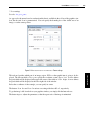
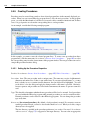
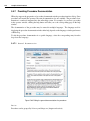
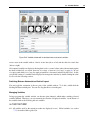
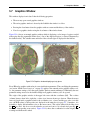
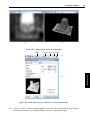
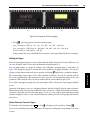
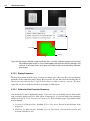
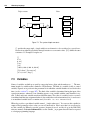
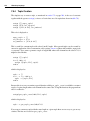
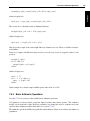
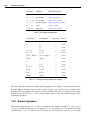
This chapter deals with a simple example. Given is the image displayed in figure 4.1. The objective is to
count the clips and determine their orientation.
Figure 4.1: Paper clips.
4.1
Start a New Program
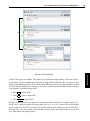
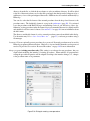
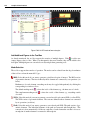
Start HDevelop or, if it is still running, click File . New Program to start a new program. HDevelop will
notify you if there are unsaved changes in the current program. If it does, click Discard to throw away
the changes and start anew. In case you rearranged the windows, click Window . Organize Windows
to restore the default layout displayed in figure 2.1 on page 18.
Programming
This chapter explains how to use HDevelop to develop your own machine vision applications. It is
meant to be actively followed in a running instance of HDevelop. In the following, it is assumed that the
preferences of HDevelop are set to the default values. This is always the case after a fresh installation
of HALCON. If you are uncertain about the current settings, you can always start HDevelop with the
default settings by invoking it from the command line in the following way (see also chapter 2 on page
17):