1
SAMSUNG DCS
TECHNICAL MANUAL
PROGRAMMING
December 1996
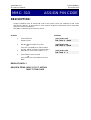
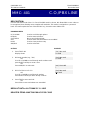
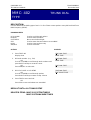
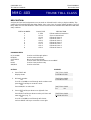
MMC: 412
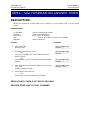
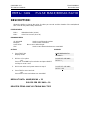
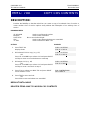
ASSIGN TRUNK
SIGNAL
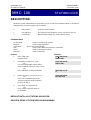
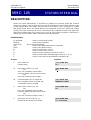
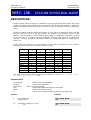
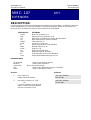
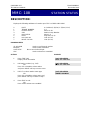
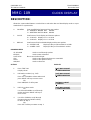
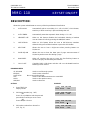
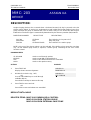
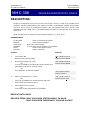
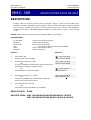
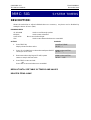
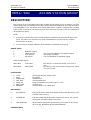
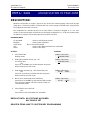
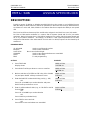
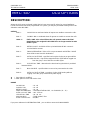
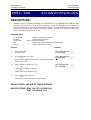
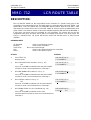
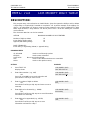
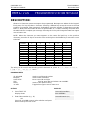
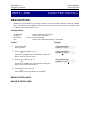
DESCRIPTION:
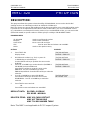
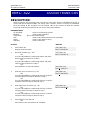
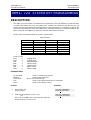
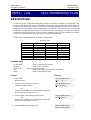
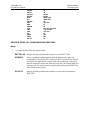
Allows for the assignment of analogue DID or AC15 PCBs for proper signalling.This
MMC is only for analogue type of DID/AC15 trunks. These trunks can also use the
translation tables in MMC714. The AC15 trunks are allowed the used of translation
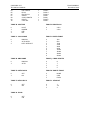
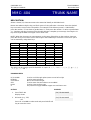
tables via MMC416. The signalling condition types are as follows:
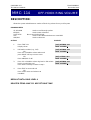
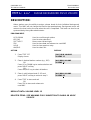
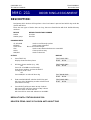
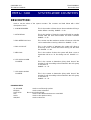
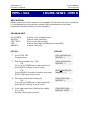
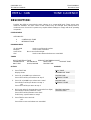
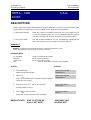
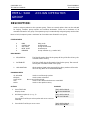
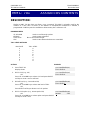
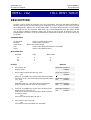
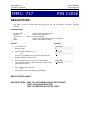
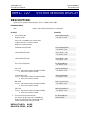
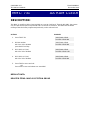
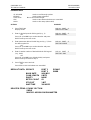
CONDITIONS
IMMEDIATE
IMMEDIATE
DELAYED
DELAYED
WINK
WINK
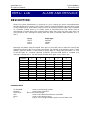
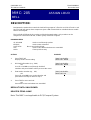
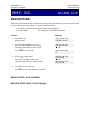
PROGRAM KEYS
UP & DOWN
KEYPAD
SOFT KEYS
SPK
ANS/RLS
Used to scroll through options
Used to enter selections
Move cursor left and right
Used to store data and advance to next MMC
Used to select ALL
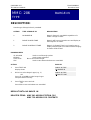
ACTION
DISPLAY
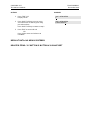
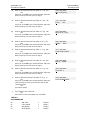
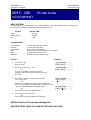
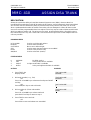
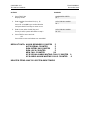
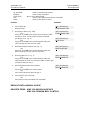
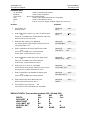
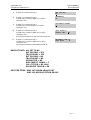
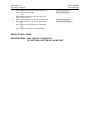
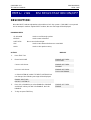
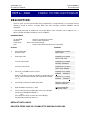
1.
Press TRSF 412
Display shows
[701] TRK SIGNAL
IMMEDIATE START
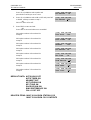
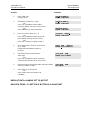
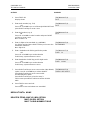
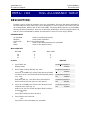
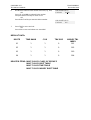
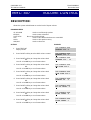
2a.
Enter desired trunk number (e.g., 705)
OR
Press UP or DOWN key to make selection and press
RIGHT soft key to move cursor
OR
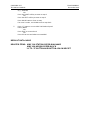
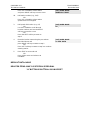
Press ANS/RLS to select all trunks
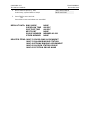
[705] TRK SIGNAL
IMMEDIATE START
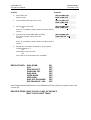
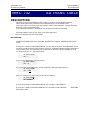
2b.
Enter desired trunk type selection from above list
OR
Press UP or DOWN key to make selection
and press RIGHT soft key to return to step 2a
[705] TRK SIGNAL
WINK
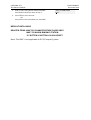
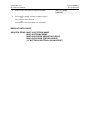
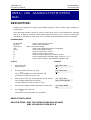
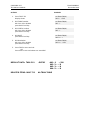
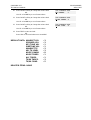
3.
Press TRSF to store and exit
OR
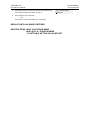
Press SPK to store and advance to next MMC
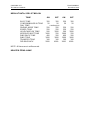
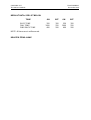
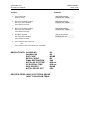
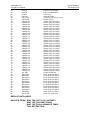
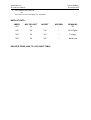
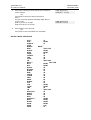
DEFAULT DATA: All AC15 trunks set to immediate.
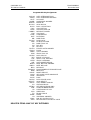
RELATED ITEMS: MMC 714 DID Number and Name Translation