1
SAMSUNG DCS
TECHNICAL MANUAL
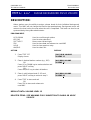
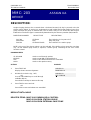
MMC: 704
PROGRAMMING
December 1996
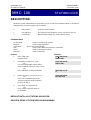
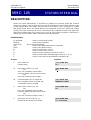
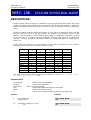
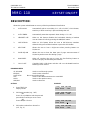
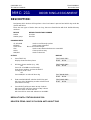
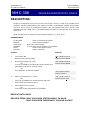
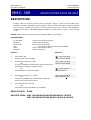
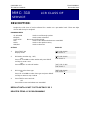
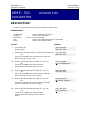
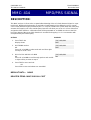
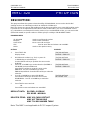
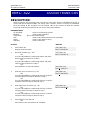
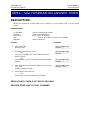
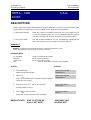
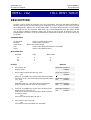
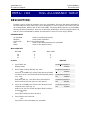
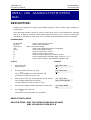
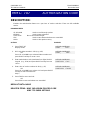
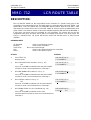
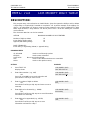
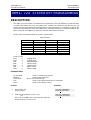
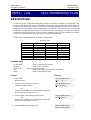
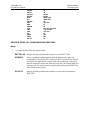
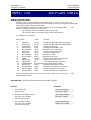
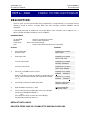
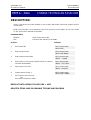
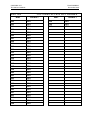
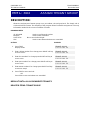
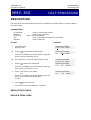
ASSIGN WILD CHARACTER
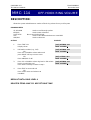
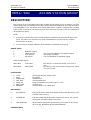
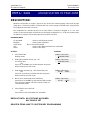
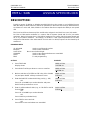
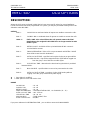
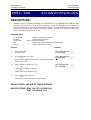
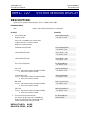
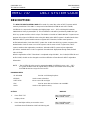
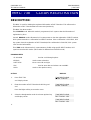
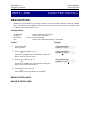
DESCRIPTION:
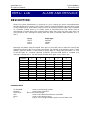
Provides flexibility to toll restriction when a specific numbering plan is so desired. There are only
three entry tables but more than one digit can be assigned per table if so needed.
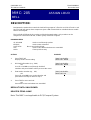
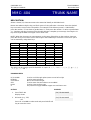
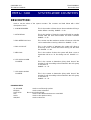
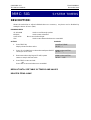
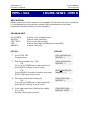
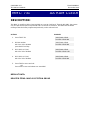
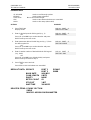
PROGRAM KEYS
UP & DOWN
KEYPAD
SOFT KEYS
SPK
HOLD
Used to scroll through options
Used to enter selections
Move cursor left and right
Used to store data and advance to next MMC
Used to clear previous entry
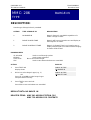
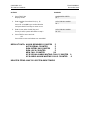
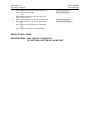
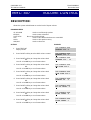
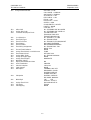
ACTION
DISPLAY
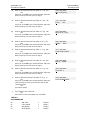
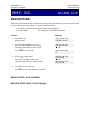
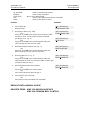
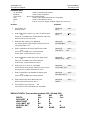
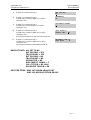
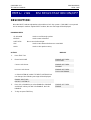
1.
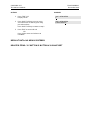
Press TRSF 704
Display shows
:0123456789Q#
X:000000000000
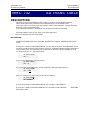
2.
Press UP or DOWN key to select X, Y, or Z. and press
RIGHT soft key to advance cursor to option line
:0123456789Q#
Z:000000000000
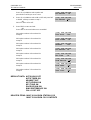
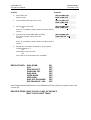
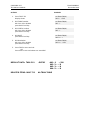
3.
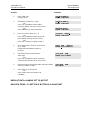
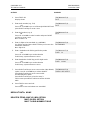
Press UP or DOWN key to move cursor to option digit
desired (e.g., 5) and enter a digit 1
under the desired digit. If needed, place a digit 1 under
one or more digits
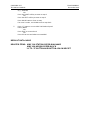
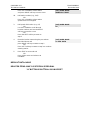
Press LEFT soft key to return to step 2
OR
Press RIGHT soft key to return to step 1
:0123456789Q#
Z:000001000000
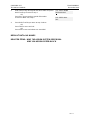
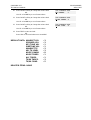
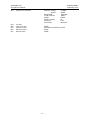
4.
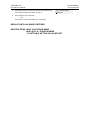
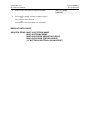
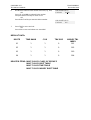
Press TRSF to store and exit
OR
Press SPK to store and advance to next MMC
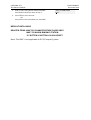
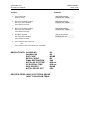
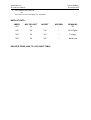
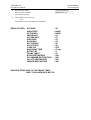
DEFAULT DATA: ALL ENTRIES SET TO 0
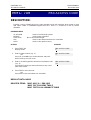
RELATED ITEMS: MMC 702 TOLL DENY TABLE
MMC 703 TOLL ALLOWANCE TABLE