1
SAMSUNG DCS
TECHNICAL MANUAL
PROGRAMMING
December 1996
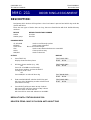
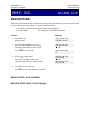
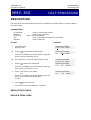
MMC: 803
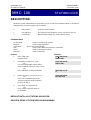
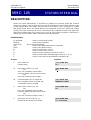
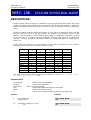
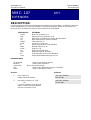
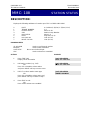
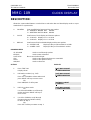
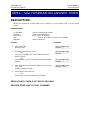
ASSIGN TENANT GROUP
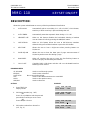
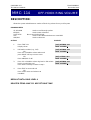
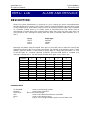
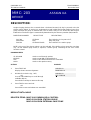
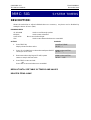
DESCRIPTION:
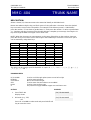
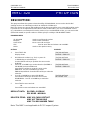
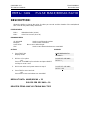
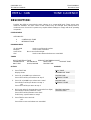
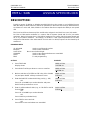
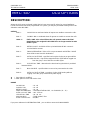
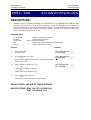
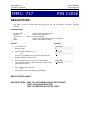
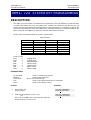
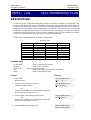
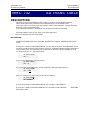
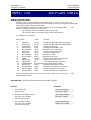
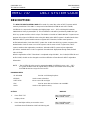
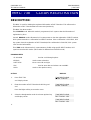
Allows the assignment of tenant groups on a per-cabinet, slot and port basis. The simple rule is
Cabinet-Slot-Port=Tenant. The simplicity of this program allows for flexible assignments. The only
information needed is the correct correlation of entries.
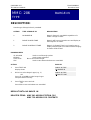
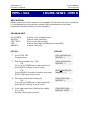
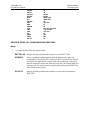
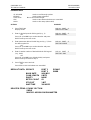
PROGRAM KEYS
UP & DOWN
KEYPAD
SOFT KEYS
SPK
Used to scroll through options
Used to enter selections
Move cursor left and right
Used to store data and advance to next MMC
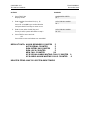
ACTION
DISPLAY
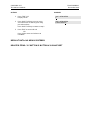
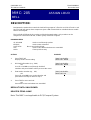
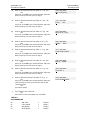
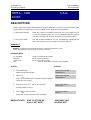
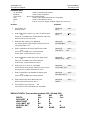
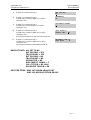
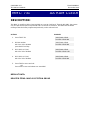
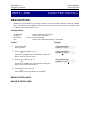
1.
Press TRSF
Display shows
TENANT GROUP
C:1 S:1 P:01 T:1
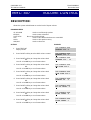
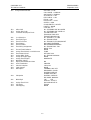
2.
Enter cabinet number if no change press RIGHT soft key
to move cursor
TENANT GROUP
C:1 S:1 P:01 T:1
3.
Enter slot number if no change press RIGHT soft key to
move cursor
TENANT GROUP
C:1 S:1 P:01 T:1
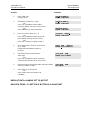
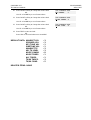
4.
Enter port number if no change press RIGHT soft key to
move cursor
TENANT GROUP
C:1 S:1 P:01 T:1
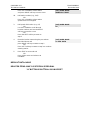
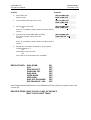
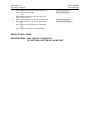
5.
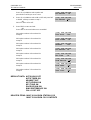
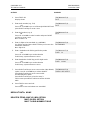
Enter tenant number if no change press RIGHT soft key
to return to step 2
TENANT GROUP
C:1 S:1 P:01 T:1
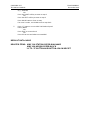
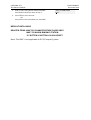
6.
Press TRSF to store and exit
OR
Press SPK to store and advance to next MMC
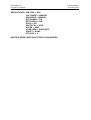
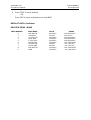
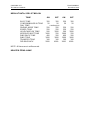
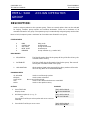
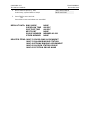
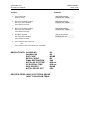
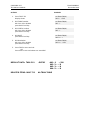
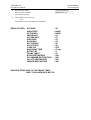
DEFAULT DATA: ALL ASSIGNMENTS TENANT 1
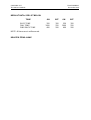
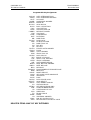
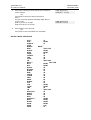
RELATED ITEMS: TENANT GROUP