1
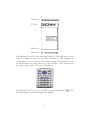
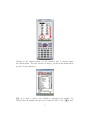
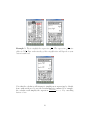
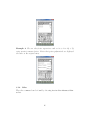
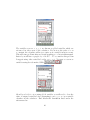
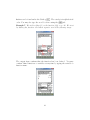
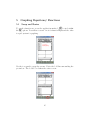
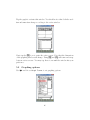
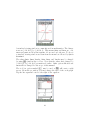
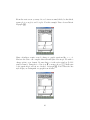
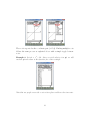
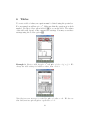
dragging the stylus to an empty dialog box. Once at the desired location lift
the stylus from the screen to complete the drop. Try this again using the
value 28 in the results side of the screen.
3
3.1
Performing Calculations
Algebra
While your calculator can complete these tasks, it is also important to know
how to Simplify, Expand, Factor, and Solve by hand; without the use of
technology. See instructor for course expectations.
3.1.1
Simplify
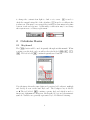
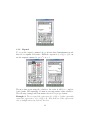
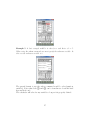
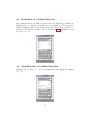
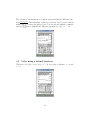
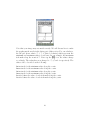
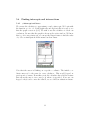
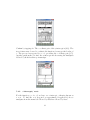
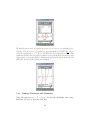
In the previous example, the expression 2x+2
is not completely simplified.
4
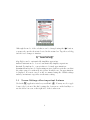
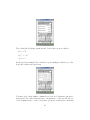
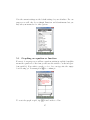
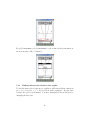
by canUpon command, the calculator will simplify the expression to x+1
2
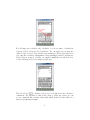
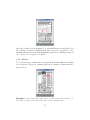
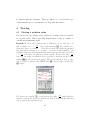
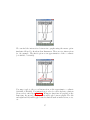
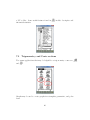
celing a factor of 2. To access the command Simplify, first choose Action
followed by Transformation then Simplify. Type the expression either using )
or grouping symbols. Be sure to close your parenthesis and execute
E.
12