1
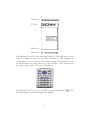
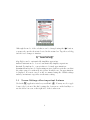
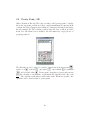
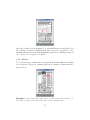
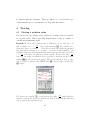
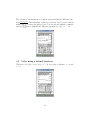
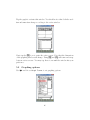
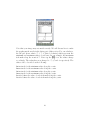
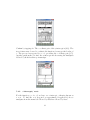
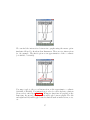
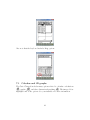
Tap the graph to activate this window. You should notice that both the tool
bar and menu bar change according to the active window.
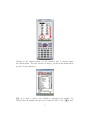
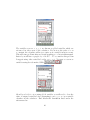
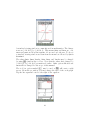
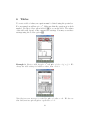
Next, tap the r icon to resize the active screen. Note that the dimensions
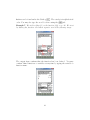
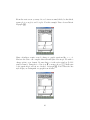
of the graphing window will change. Using r and S will resize and swap
between active screens. You may tap these icons until the window fits your
preference.
5.2
Graphing options
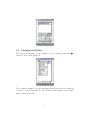
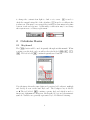
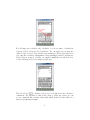
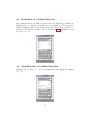
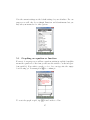
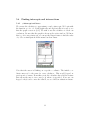
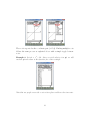
Use O and choose Graph Format to set graphing options.
26