1
W-CDMA or W-CDMA (with HSDPA) Analyzer
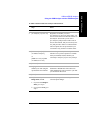
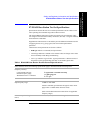
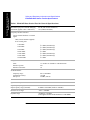
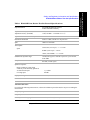
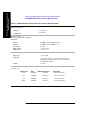
W-CDMA or W-CDMA (with HSDPA) Analyzer Measurement Settings
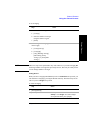
•
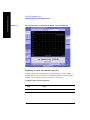
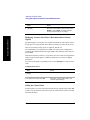
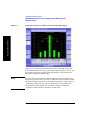
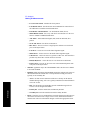
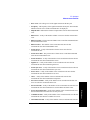
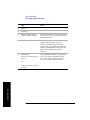
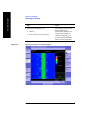
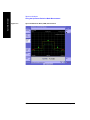
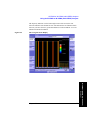
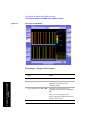
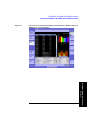
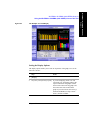
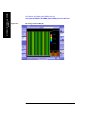
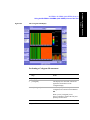
Control Channel Graph
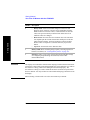
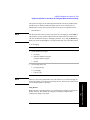
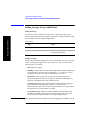
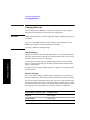
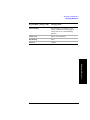
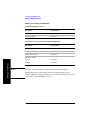
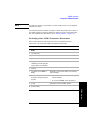
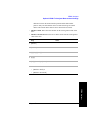
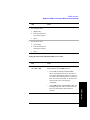
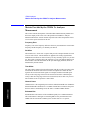
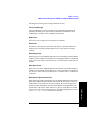
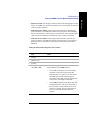
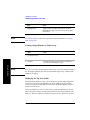
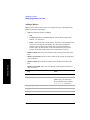
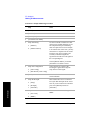
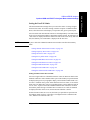
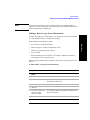
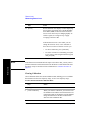
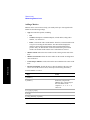
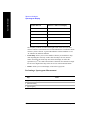
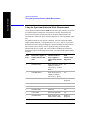
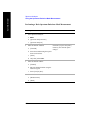
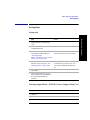
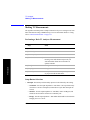
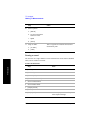
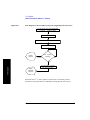
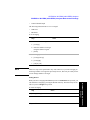
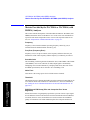
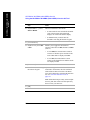
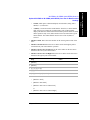
The following measurements are never averaged:
•
CDP Trace
•
Threshold
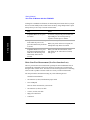
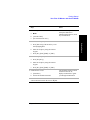
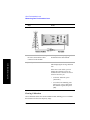
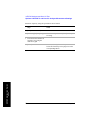
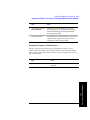
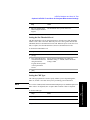
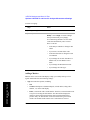
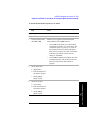
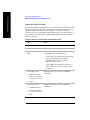
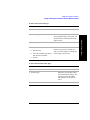
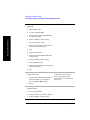
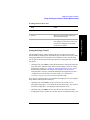
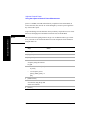
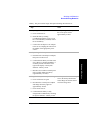
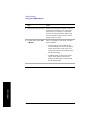
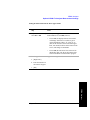
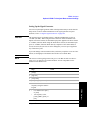
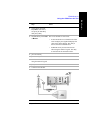
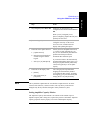
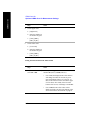
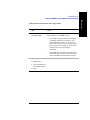
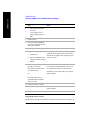
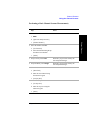
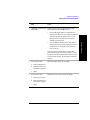
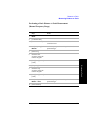
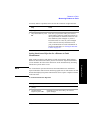
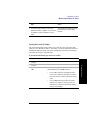
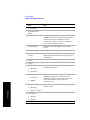
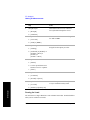
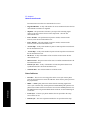
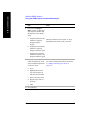
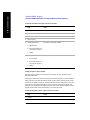
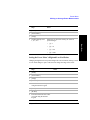
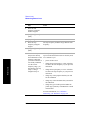
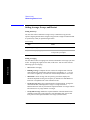
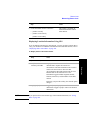
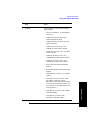
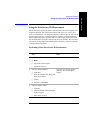
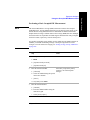
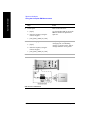
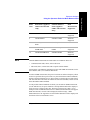
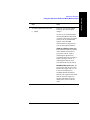
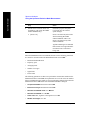
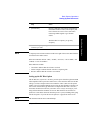
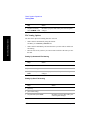
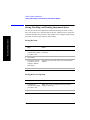
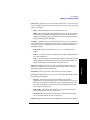
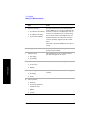
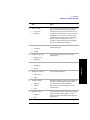
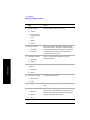
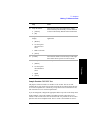
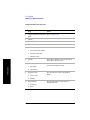
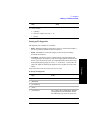
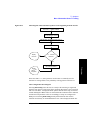
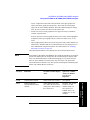
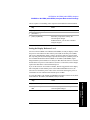
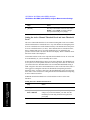
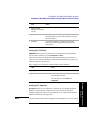
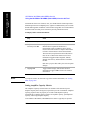
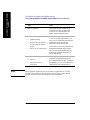
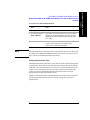
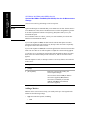
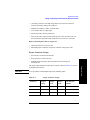
To set averaging:
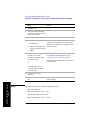
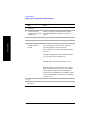
Step
1
Notes
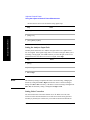
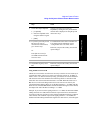
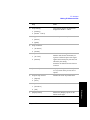
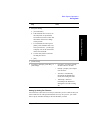
Set the number of averages.
a. [Average]
b. Enter the number of averages
using the numeric keypad.
c. [Enter]
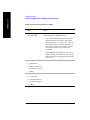
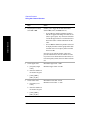
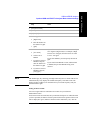
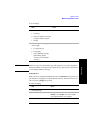
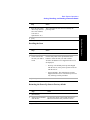
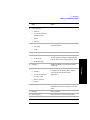
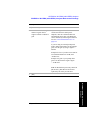
2
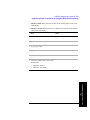
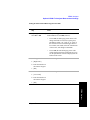
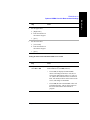
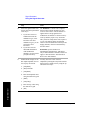
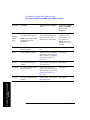
Set averaging On or Off.
a. [Average/Sweep]
b. [Averaging]
c. [Off] or [On]
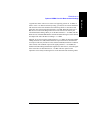
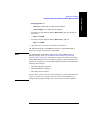
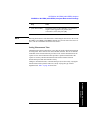
NOTE
These two steps can be performed in any order. However, if you turn averaging on
and a large number of averages has previously been set, there may be a delay before
you can change number of averages.
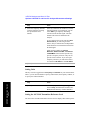
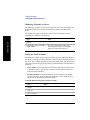
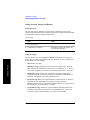
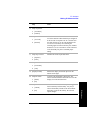
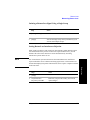
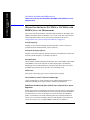
Setting Restart
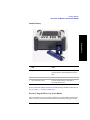
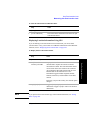
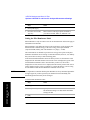
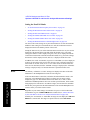
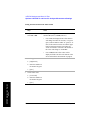
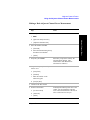
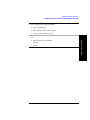
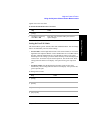
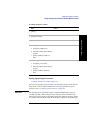
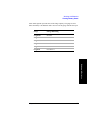
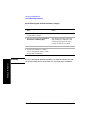
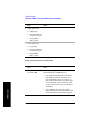
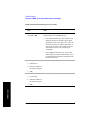
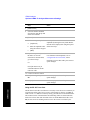
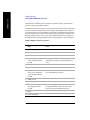
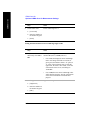
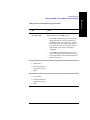
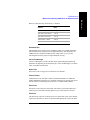
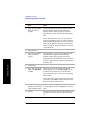
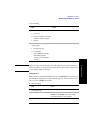
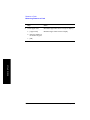
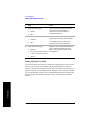
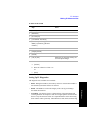
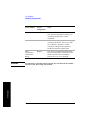
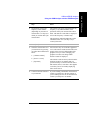
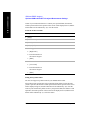
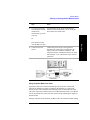
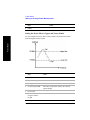
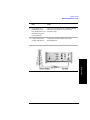
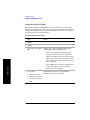
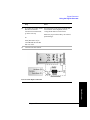
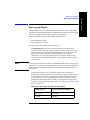
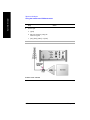
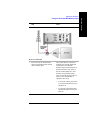
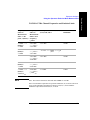
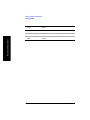
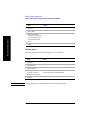
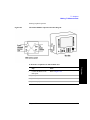
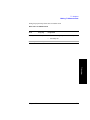
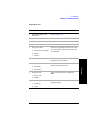
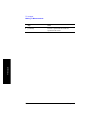
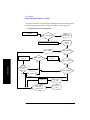
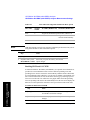
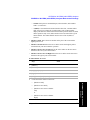
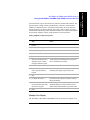
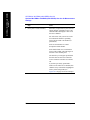
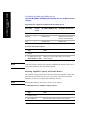
To restart averaging:
Step
1
Notes
[Average/Sweep]
Chapter 19
561
W-CDMA or W-CDMA (with HSDPA)
Analyzer
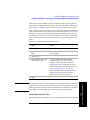
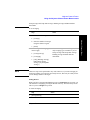
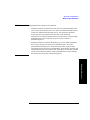
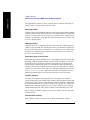
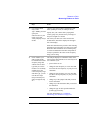
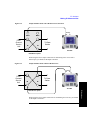
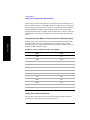
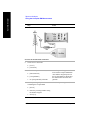
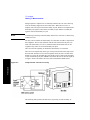
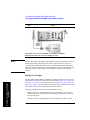
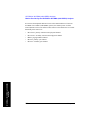
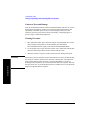
When you have averaging turned On and you are in Continuous Sweep mode, you
can restart the averaging by pressing the Restart menu key. The Restart key has no
effect if you are in Single sweep mode.