1
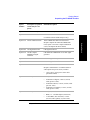
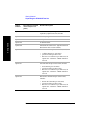
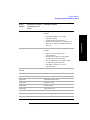
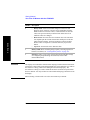
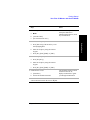
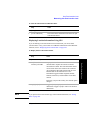
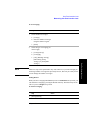
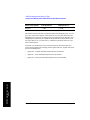
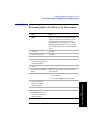
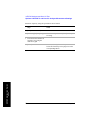
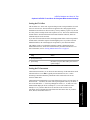
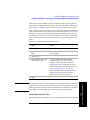
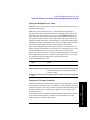
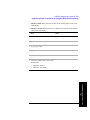
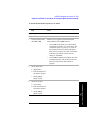
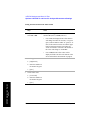
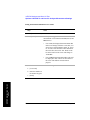
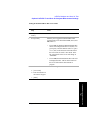
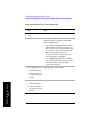
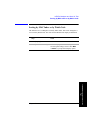
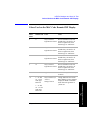
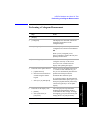
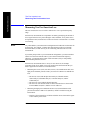
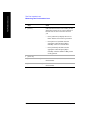
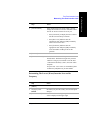
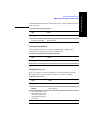
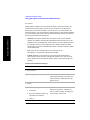
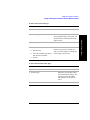
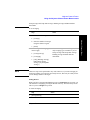
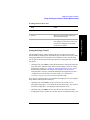
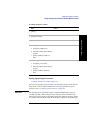
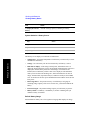
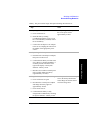
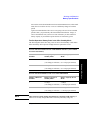
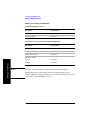
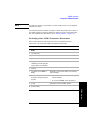
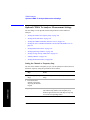
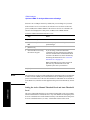
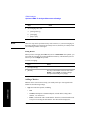
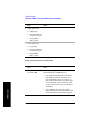
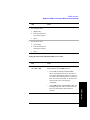
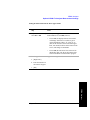
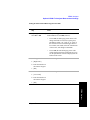
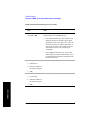
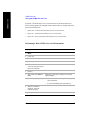
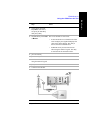
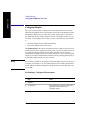
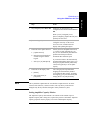
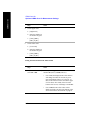
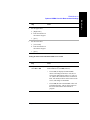
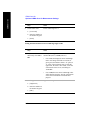
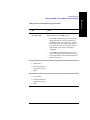
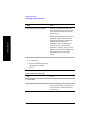
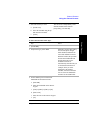
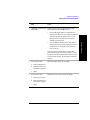
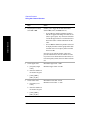
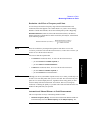
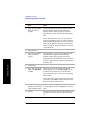
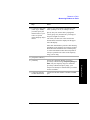
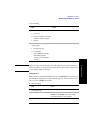
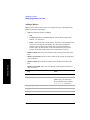
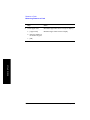
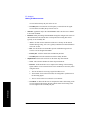
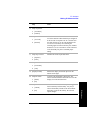
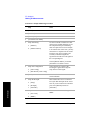
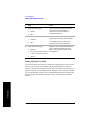
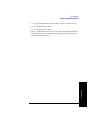
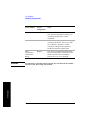
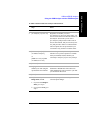
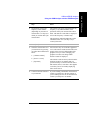
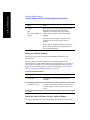
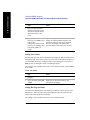
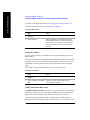
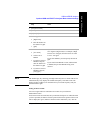
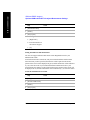
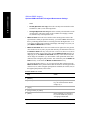
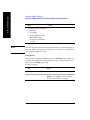
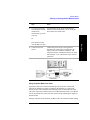
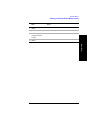
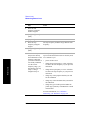
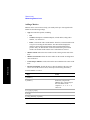
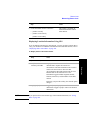
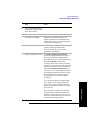
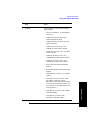
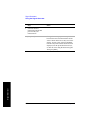
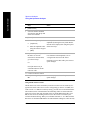
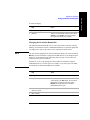
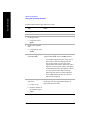
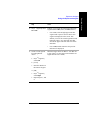
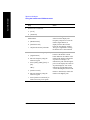
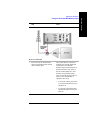
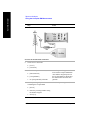
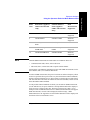
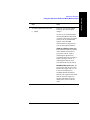
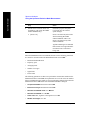
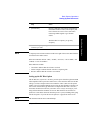
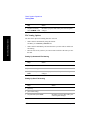
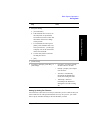
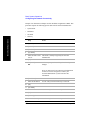
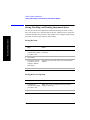
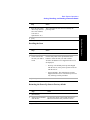
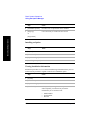
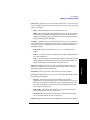
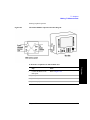
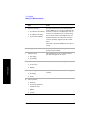
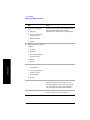
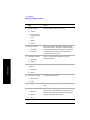
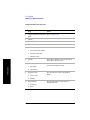
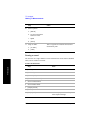
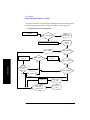
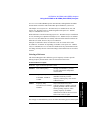
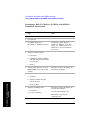
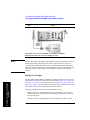
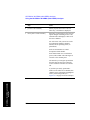
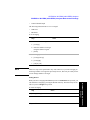
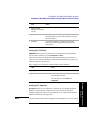
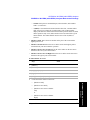
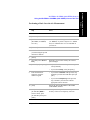
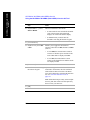
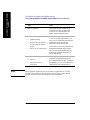
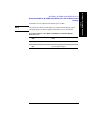
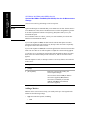
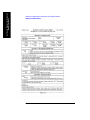
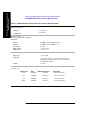
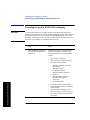
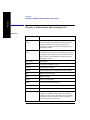
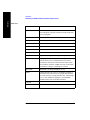
To set the active channel threshold level:
Step
NOTE
Notes
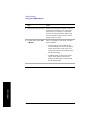
1
[Setup]
2
On [Threshold] select
Auto or Manual.
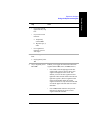
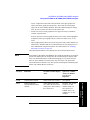
Each time you press this softkey, the selected option
changes. If you choose Manual, you must enter the
threshold you want using the numeric keypad, then
press [dB].
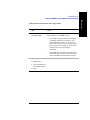
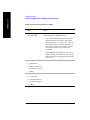
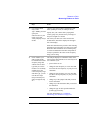
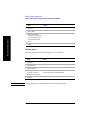
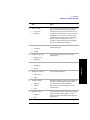
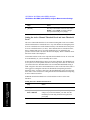
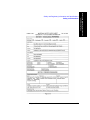
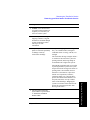
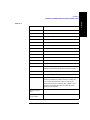
3
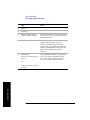
[Auto Thres Offset]
The default value is 0 dB. Optionally, you can enter a
negative (more aggressive) or positive (more
conservative) value, then press [dB].
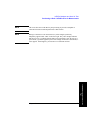
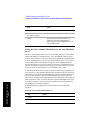
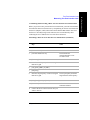
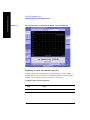
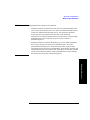
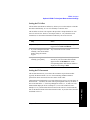
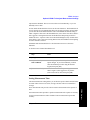
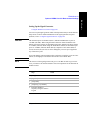
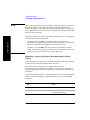
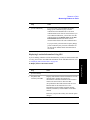
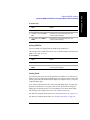
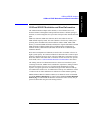
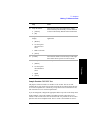
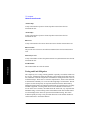
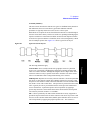
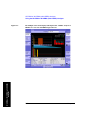
Knowing which inactive code channels are contributing the most noise to the overall
W-CDMA or W-CDMA (with HSDPA) channel may provide clues to the source of
noise, such as a bad channel card in the base station.
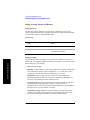
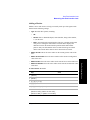
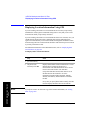
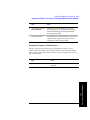
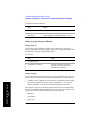
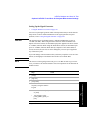
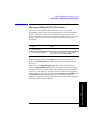
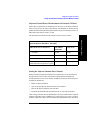
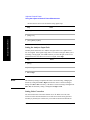
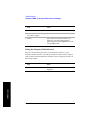
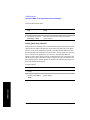
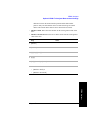
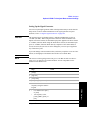
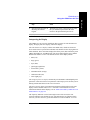
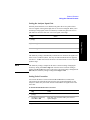
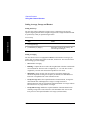
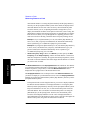
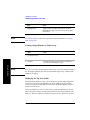
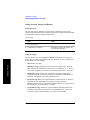
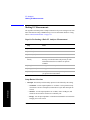
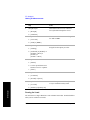
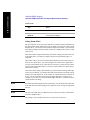
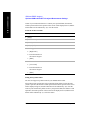
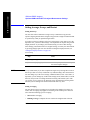
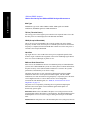
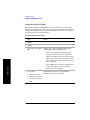
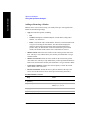
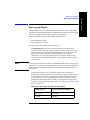
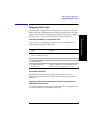
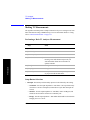
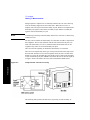
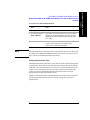
Setting Measurement Time
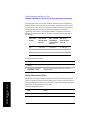
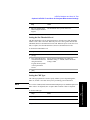
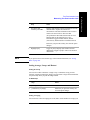
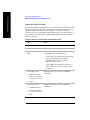
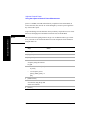
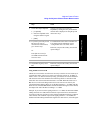
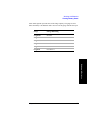
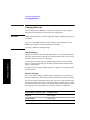
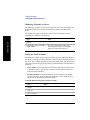
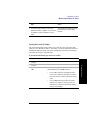
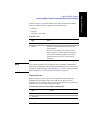
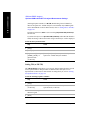
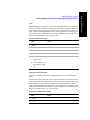
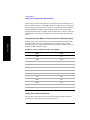
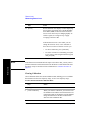
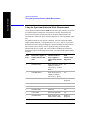
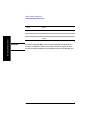
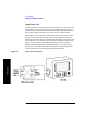
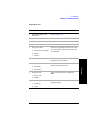
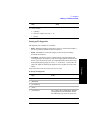
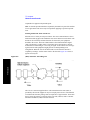
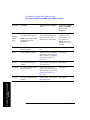
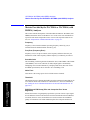
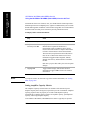
The Measurement Time setting allows you to alter the speed at which measurements
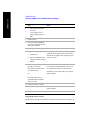
are being made. Three choices exist: Slow, Medium, and Fast. The test set defaults
to Medium. Slow measurement time provides a more accurate measurement at the
expense of time. Fast measurement time provides a quicker measurement at the
expense of accuracy. Medium measurement time strikes a balance between
measurement speed and measurement accuracy.
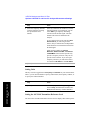
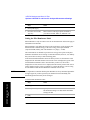
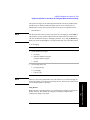
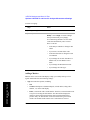
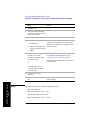
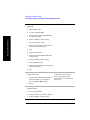
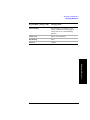
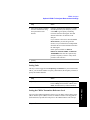
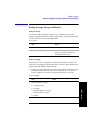
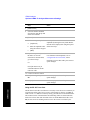
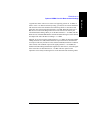
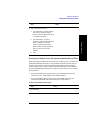
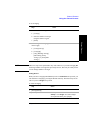
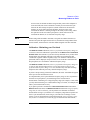
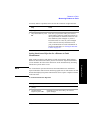
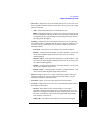
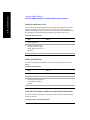
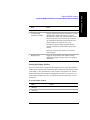
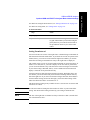
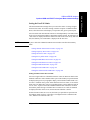
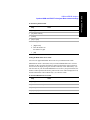
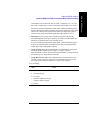
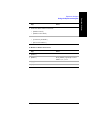
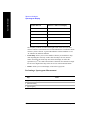
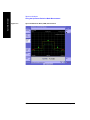
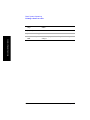
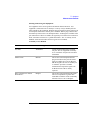
Changes in measurement time, or measurement speed, are achieved by varying the
amount of data used to plot the CDP trace, and by varying the type of frame
alignment used.
Chapter 20
601
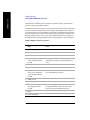
W-CDMA or W-CDMA (with HSDPA)
Over Air
W-CDMA or W-CDMA (with HSDPA) Over Air
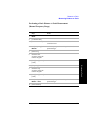
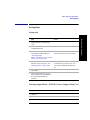
Optional W-CDMA or W-CDMA (with HSDPA) Over the Air Measurement
Settings