1
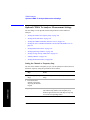
1xEV-DO Analyzer and Over Air Test
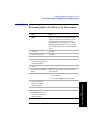
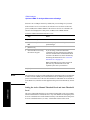
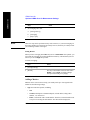
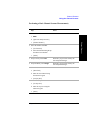
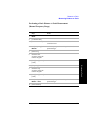
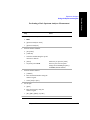
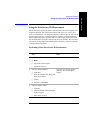
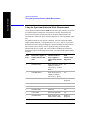
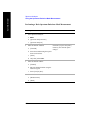
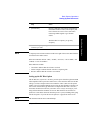
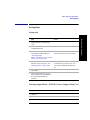
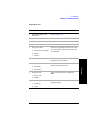
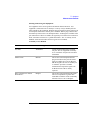
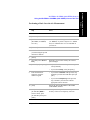
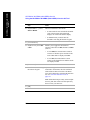
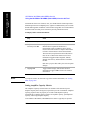
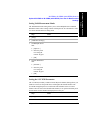
Performing a Basic 1xEV-DO Over Air Measurement
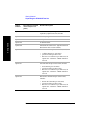
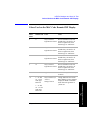
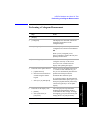
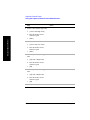
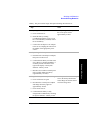
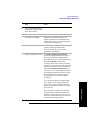
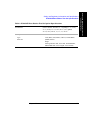
Step
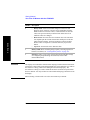
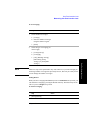
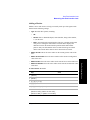
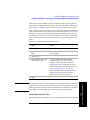
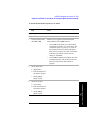
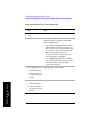
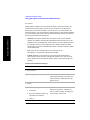
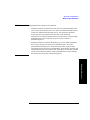
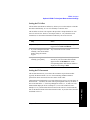
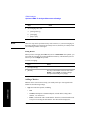
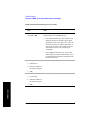
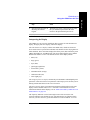
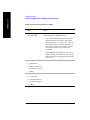
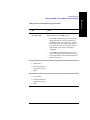
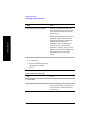
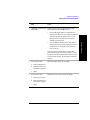
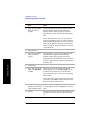
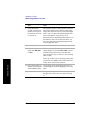
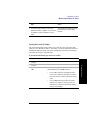
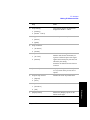
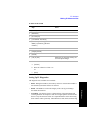
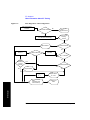
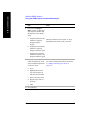
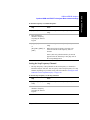
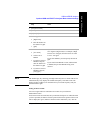
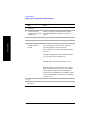
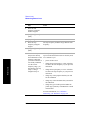
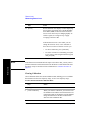
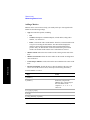
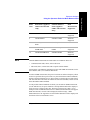
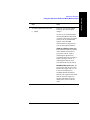
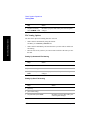
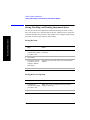
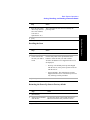
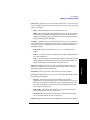
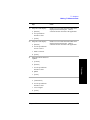
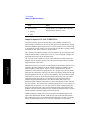
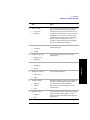
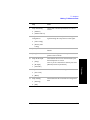
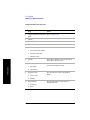
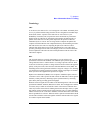
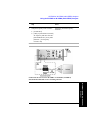
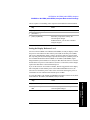
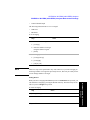
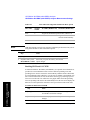
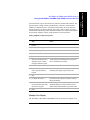
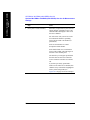
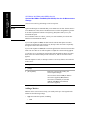
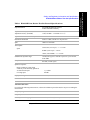
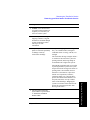
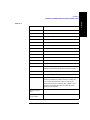
12 On [PN Offset] select Auto
or Manual.
Notes
The test set defaults to Auto mode.
•
In Auto mode the test set finds the PN offset
of the strongest pilot signal and displays the
value in the metrics display. The delay is
derived from the found PN offset.
•
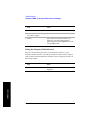
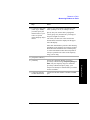
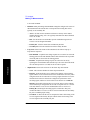
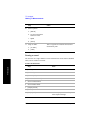
In Manual mode you must enter the PN
offset using the numeric keypad. The delay
is derived from the entered PN offset.
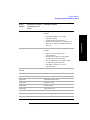
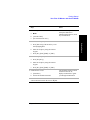
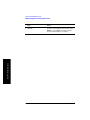
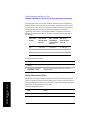
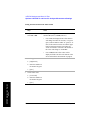
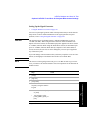
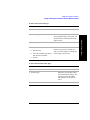
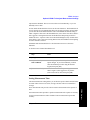
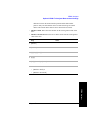
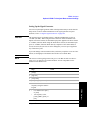
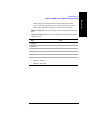
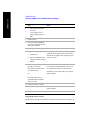
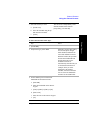
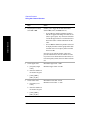
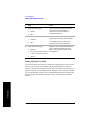
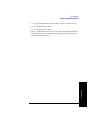
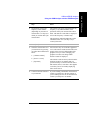
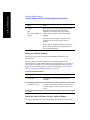
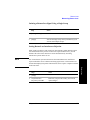
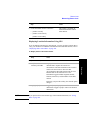
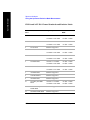
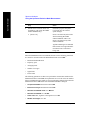
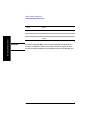
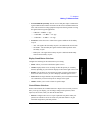
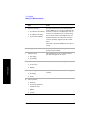
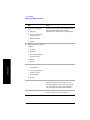
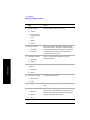
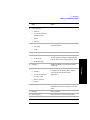
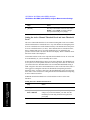
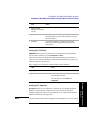
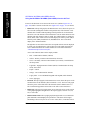
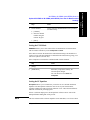
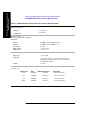
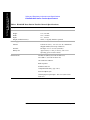
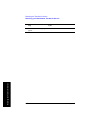
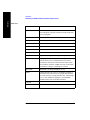
13 [Level/Location]
14 [RF IN Loss]
15 Set the RF IN Loss to 0 dB
using the numeric keypad.
16 [dB]
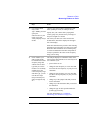
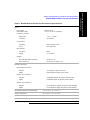
1xEV-DO Analyzer and Over Air
Test
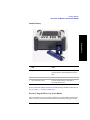
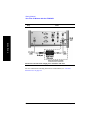
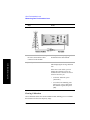
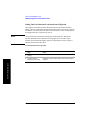
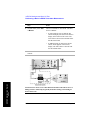
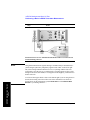
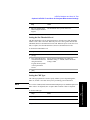
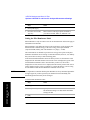
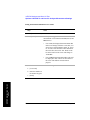
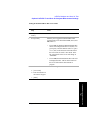
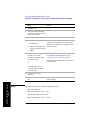
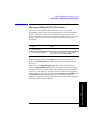
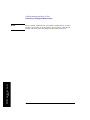
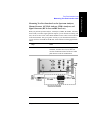
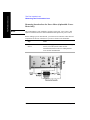
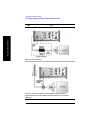
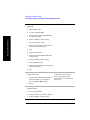
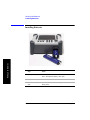
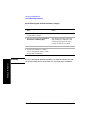
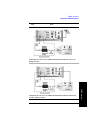
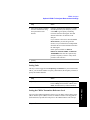
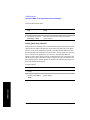
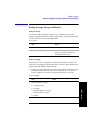
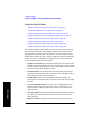
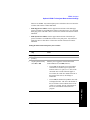
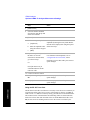
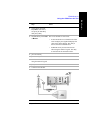
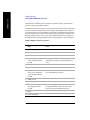
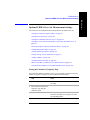
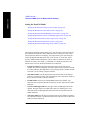
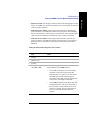
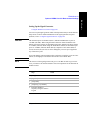
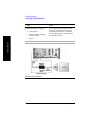
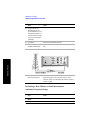
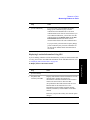
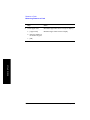
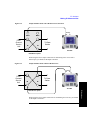
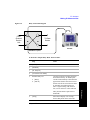
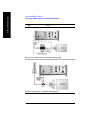
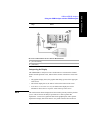
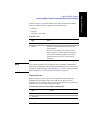
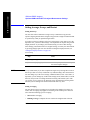
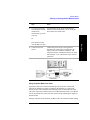
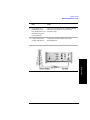
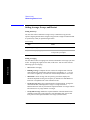
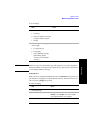
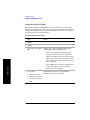
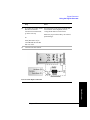
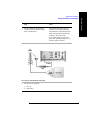
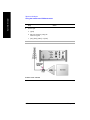
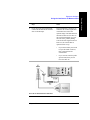
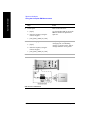
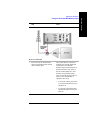
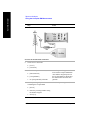
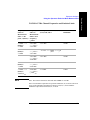
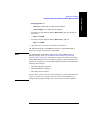
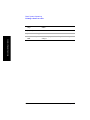
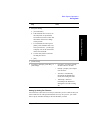
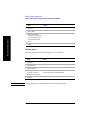
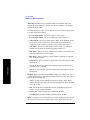
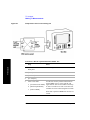
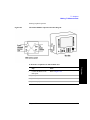
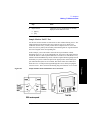
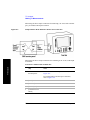
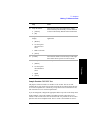
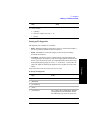
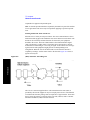
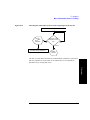
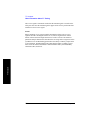
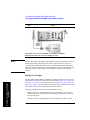
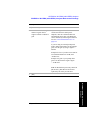
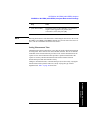
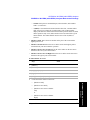
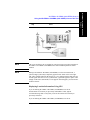
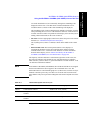
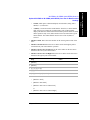
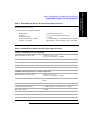
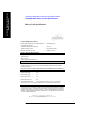
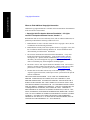
17 Connect to the antenna.
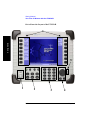
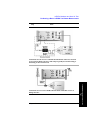
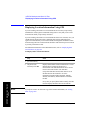
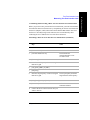
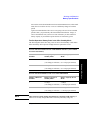
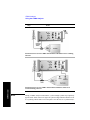
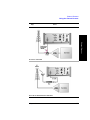
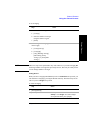
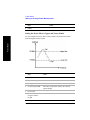
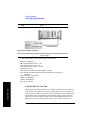
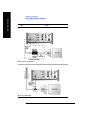
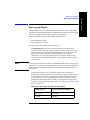
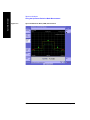
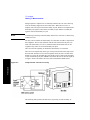
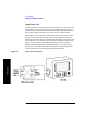
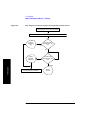
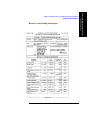
Connections for in service 1xEVDO measurements with GPS receiver as
timing reference.
72
Chapter 3