1
Commissioning
3.4 Configuring the drive components
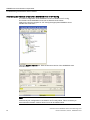
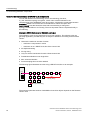
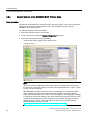
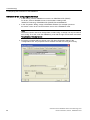
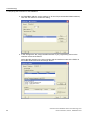
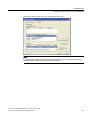
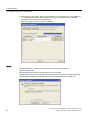
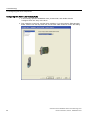
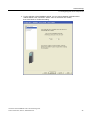
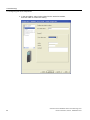
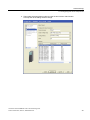
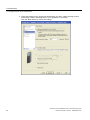
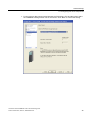
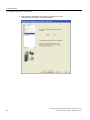
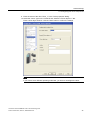
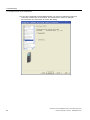
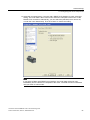
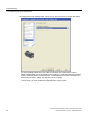
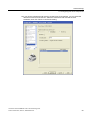
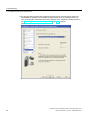
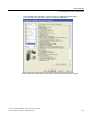
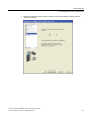
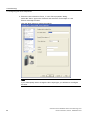
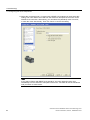
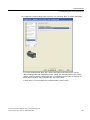
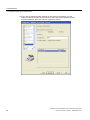
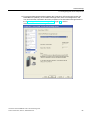
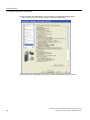
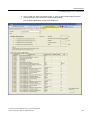
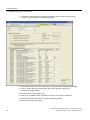
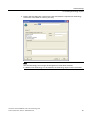
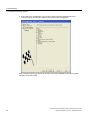
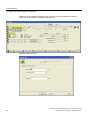
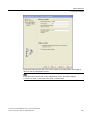
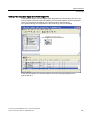
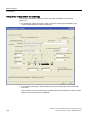
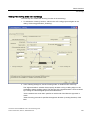
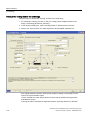
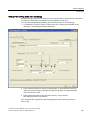
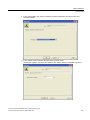
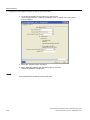
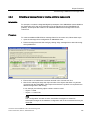
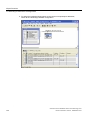
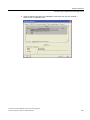
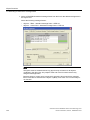
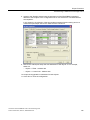
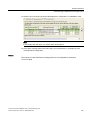
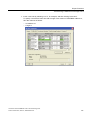
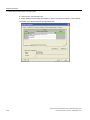
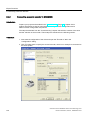
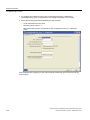
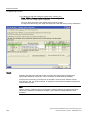
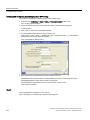
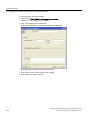
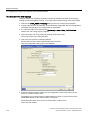
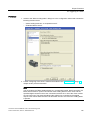
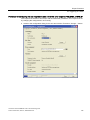
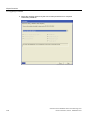
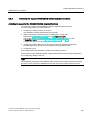
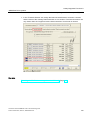
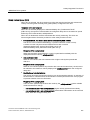
11.Select the connected motor. If a motor with a DRIVE-CLiQ interface is used, select this
setting. The motor data is then read from the electronic nameplate of the motor via the
DRIVE-CLiQ connection. Alternatively, you can select the (standard) motor from a list,
or enter the motor data directly. Then click "Next" to confirm the setting.
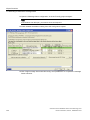
Note
If you select a "Motor with DRIVE-CLiQ interface", the motor data will not be read
immediately from the electronic nameplate of the motor. The data will not be transferred
until you switch to online mode.
Connection of the SINAMICS S120 to the Technology CPU
64
Product Information, 09/2011, A5E00480378-04