1
Commissioning
3.4 Configuring the drive components
3.4.4
Alignment of the PROFIdrive message frames
Introduction
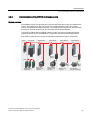
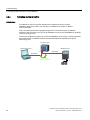
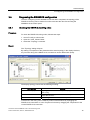
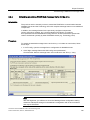
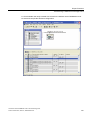
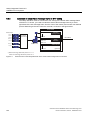
To configure the PROFIBUS communications interface, the message frame configuration in
S7T Config and in HW Config must be aligned. Among other things, this alignment
determines the I/O addresses for the PROFIdrive data communiction between
SINAMICS and the Technology CPU.
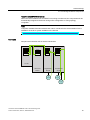
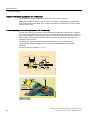
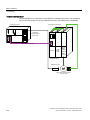
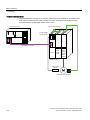
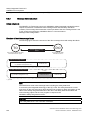
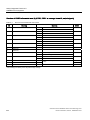
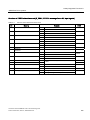
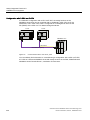
Alignment with an Active Line Module (ALM)
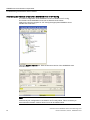
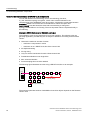
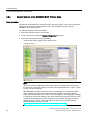
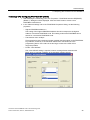
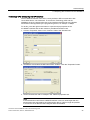
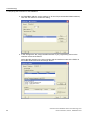
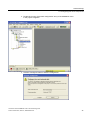
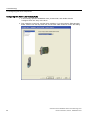
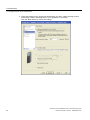
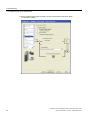
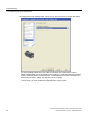
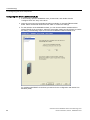
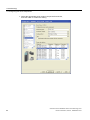
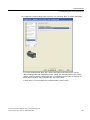
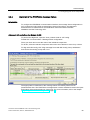
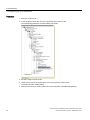
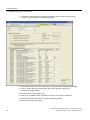
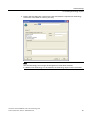
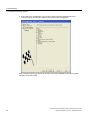
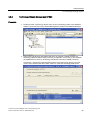
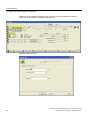
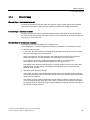
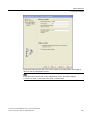
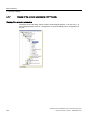
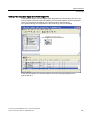
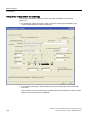
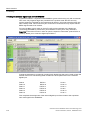
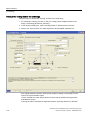
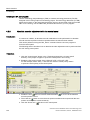
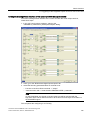
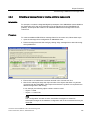
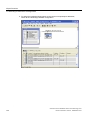
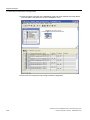
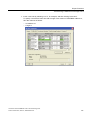
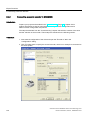
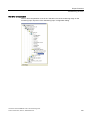
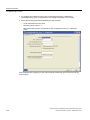
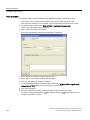
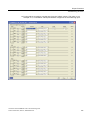
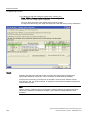
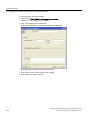
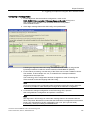
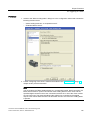
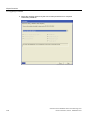
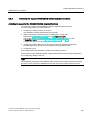
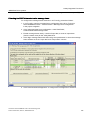
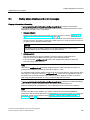
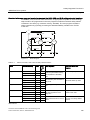
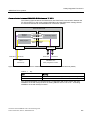
To perform the alignment, open the "S120_CU320" folder in S7T Config.
Double-click "Communication > Message frame configuration".
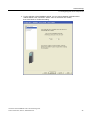
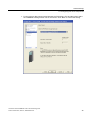
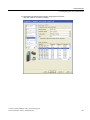
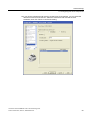
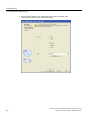
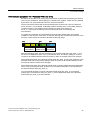
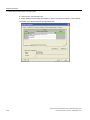
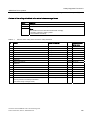
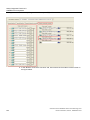
There you check and correct the order of the individual components.
To do this, select the relevant component and use the arrow buttons to move it up or down.
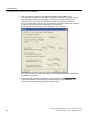
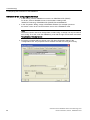
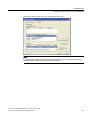
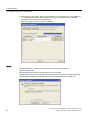
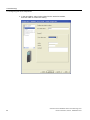
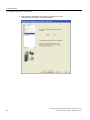
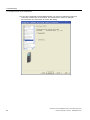
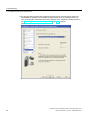
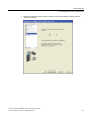
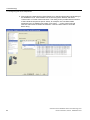
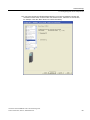
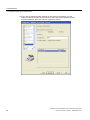
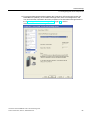
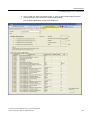
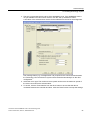
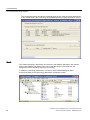
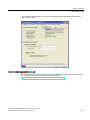
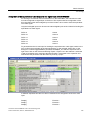
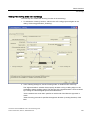
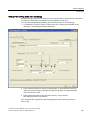
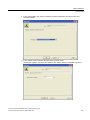
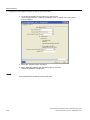
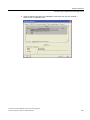
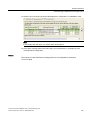
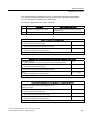
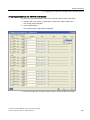
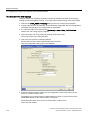
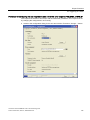
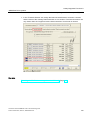
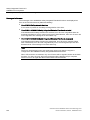
To align with HW Config, click "Align message frame with HW Config: Set up addresses"
and confirm the security prompt with "Yes".
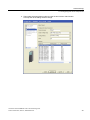
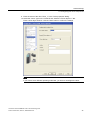
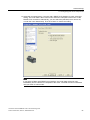
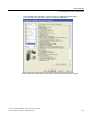
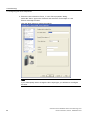
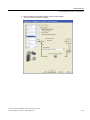
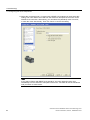
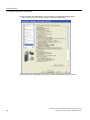
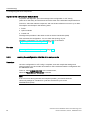
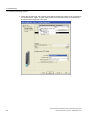
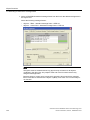
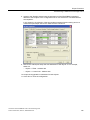
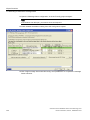
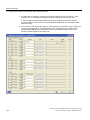
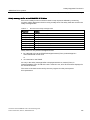
The appropriate I/O addresses of the message frames are thereby entered for all
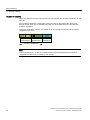
parameterized axes. The PROFIdrive message frame must be extended to read in the inputs
and outputs of the terminal board or control unit. For more information, refer to the chapter
"Diagnosing the SINAMICS configuration (Page 75)".
Connection of the SINAMICS S120 to the Technology CPU
Product Information, 09/2011, A5E00480378-04
69