1
•
•
•
•
•
4.
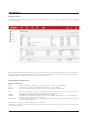
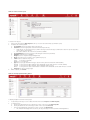
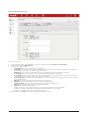
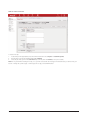
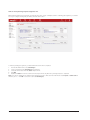
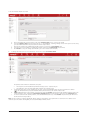
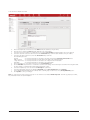
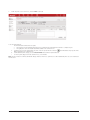
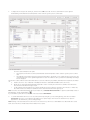
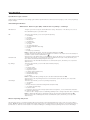
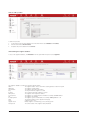
The Created For contact of the proposal will default as the Created For job contact
The Intro of the proposal will default as the Brief for the job
All dates will default to the current day
The Priority of the job will default to 3 (Normal)
If your jobsheet has custom fields, these will be shown below Job Sheet Type
Complete all fields in the job sheet then click Update to save your changes
How do I edit a job sheet?
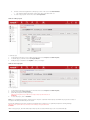
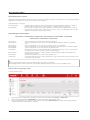
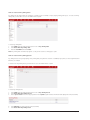
To edit a job sheet:
1.
2.
3.
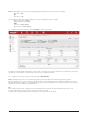
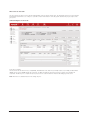
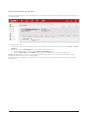
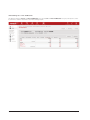
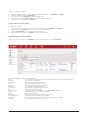
Locate and open the job sheet to be edited (from the main menu select Projects -> Search Jobs)
Select the section tab Job Detail
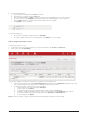
Modify the job sheet and click Update to save your changes
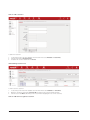
How do I create comments against the job?
Spark - User Manual
Version 5.3
Page 20