1
Chapter 5: System Maintenance
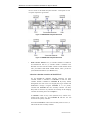
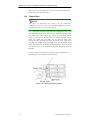
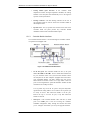
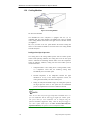
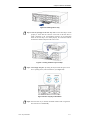
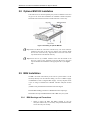
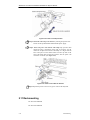
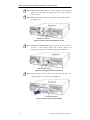
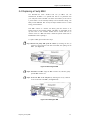
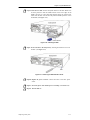
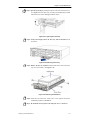
Step 8. Insert the new PSU into the subsystem. Make sure the PSU handle is in
its down position so that the saddle notches on the lower edges of the
handle can lock on to the edge metal brackets along the chassis inner
walls. Push the PSU into the slot and pull the handle upward to secure
the module. (See Figure 5-17)
Figure 5-16: Installing the PSU
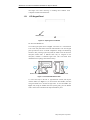
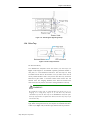
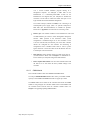
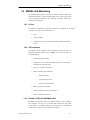
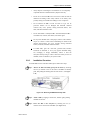
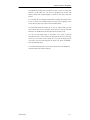
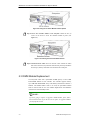
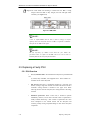
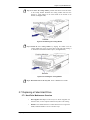
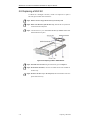
Step 9. Secure the PSU to the subsystem by inserting the retention screw into
the PSU. (See Figure 5-17)
Figure 5-17: Fastening the PSU Retention Screw
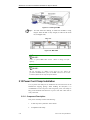
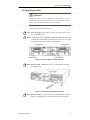
Step 10. Replace the power cord that connects the PSU to the main power
source.
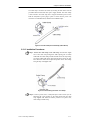
Step 11. Secure the power cord with the power cord clamp. (See Section 2-9)
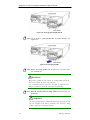
Step 12. Turn the PSU on.
Replacing a Faulty PSU
5-13