1
Activote Voting Options
Option 1
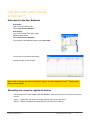
Register and name each device. Labels are provided which can be inserted in each device for this
purpose. For each session, teachers use the anonymous mode for voting but could assign a device name
to a student name manually for evaluation purposes. During a voting session, the device names would
appear. For example if the devices are named as A1, A2, A3, ….. A32, the teacher can write in a notebook
or grade book which device is assigned to which student (i.e., Device A1 belongs to John Smith). When
voting takes place, the A1, A2, A3 names appear in the software.
Option 2
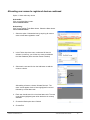
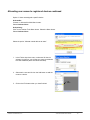
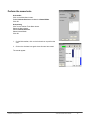
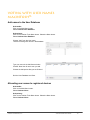
Register and name each device. Going one step further then Option 1, the User Database and User
menus are used to associate a student’s name with a device. In this option, while Named voting is taking
place, the students’ names will appear instead of the device names. Teachers do have options to display
or not display names during voting sessions even if Named voting is being used. With this option, teachers
can choose between anonymous and named voting for any particular session.
© 2007 Promethean, Inc.
Activote Quick Start Guide
7