1
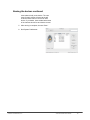
Perform the named vote continued
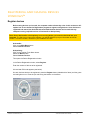
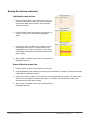
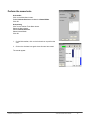
1. On the Main toolbar, click on the Activote icon to perform the
vote.
2. Click on the Activote icon again when all users have voted.
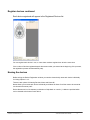
The results appear.
voting with prepared questions
Macintosh™
The Question Master program has been created to help generate voting
flipcharts.
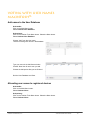
To open the Question Master program:
Activstudio:
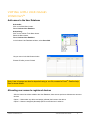
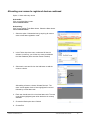
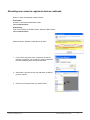
Click on the Main Menu button. Select Activote>Question Master.
Activprimary:
Click on the Teacher Tools Menu button. Select the Menu button. Select Activote>Question Master.
The Question Master program opens.
Explore the options here to create your first voting flipchart.
See the help files for more details on how the Question Master works.
© 2007 Promethean, Inc.
Activote Quick Start Guide
21