1
Getting Started
Installation
Connection Instructions
►► Video
1.
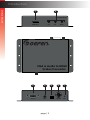
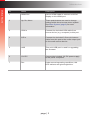
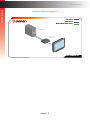
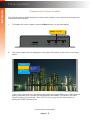
Connect the included VGA cable from the video source (e.g. computer) to the VGA In
port on the VGA & Audio to HDMI Scaler/Converter.
2.
Connect an HDMI cable from the HDMI Out port to an HD display.
►► Audio
3.
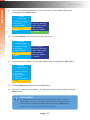
Connect the included 3.5mm mini-stereo cable from the audio source to the L/R In
port on the VGA & Audio to HDMI Scaler/Converter.
►► USB (optional Syner-G™ software control)
4.
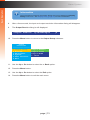
Connect a USB-to-mini USB cable from the VGA & Audio to HDMI Scaler/Converter
to a computer that is running the Syner-G™ Software Suite. To complete this portion
of the installation, see USB Interface (page 55). This connection is required for
updating the firmware.
►► Power
5.
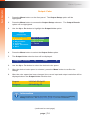
Connect the included power supply to the 12V DC power receptacle and connect the
power cord to an available electrical outlet.
page | 4