1
Appendix
USB Interface
Installing the Virtual COM Port
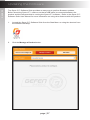
In order to control the VGA & Audio to HDMI Scaler/Converter using the following
commands, a virtual COM port must be installed on the computer that is connected to the
VGA & Audio to HDMI Scaler/Converter.
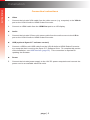
1.
Install the Gefen Syner-G™ Software Suite. This software is available under the
Support > Downloads section of the Gefen website.
2.
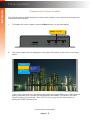
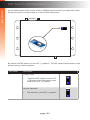
Connect a mini-USB-to-USB cable (not included) from the USB port on the
VGA & Audio to HDMI Scaler/Converter to an available USB port on the host
computer.
3.
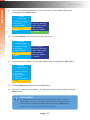
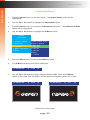
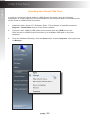
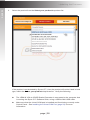
From the Windows Desktop, click the Start button, select Computer, then right-click
on Manage.
page | 55