1
Basic Operation
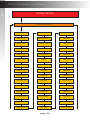
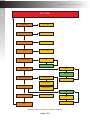
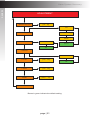
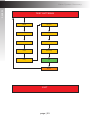
Menu System
9.
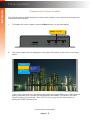
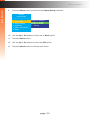
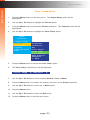
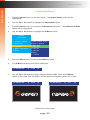
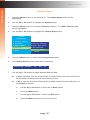
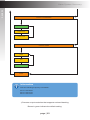
To exit the submenu and return to the main menu, use the Up or Dn button
to highlight the <- Back option.
Gefen
Converter
---------------1.Output Setup
2.Picture
3.Adjustment
4.System
5.Test Patterns
6.Exit
OSD Timeout
Display Notify
Input Res.Info
F/W Version
Factory Reset
<- Back
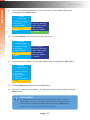
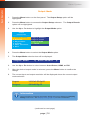
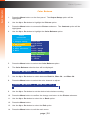
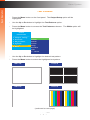
10. Press the Menu button to return to the main menu.
Gefen
Converter
---------------1.Output Setup
2.Picture
3.Adjustment
4.System
5.Test Patterns
6.Exit
OSD Timeout
Display Notify
Input Res.Info
F/W Version
Factory Reset
<- Back
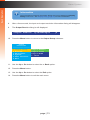
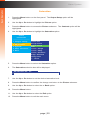
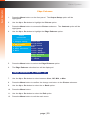
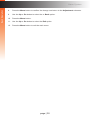
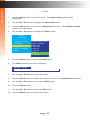
11. To exit the menu system, use the Up or Dn button to highlight the Exit option:
Gefen
Converter
---------------1.Output Setup
2.Picture
3.Adjustment
4.System
5.Test Patterns
6.Exit
12. Press the Menu button to select the Exit option.
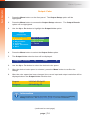
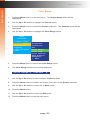
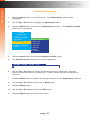
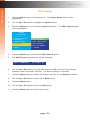
13. The menu system is now hidden. To display the menu system again, press the
Menu button.
Information
By default, the menu system will automatically time-out if no action is
taken within 5 seconds. To exit the menu system manually (before the
time-out period), highlight the Exit option then press the Menu button.
See OSD Timeout (page 36) for more information.
page | 11