1
Snapshot Menu
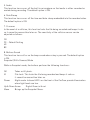
1. Timer
This function allows you to turn off or on the shutter Timer and adjust the timer length.
Off – Default Setting
2 seconds
5 seconds
10 seconds
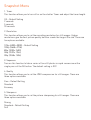
2. Resolution
This function allows you to set the recording resolution for still images. Higher
resolutions give the best picture quality but also create the largest file size. There are
five options available:
12Mp (4000 x 3000) – Default Setting
10Mp (3648 x 2736)
8Mp (3200 x 2400)
5Mp (2592 x 1944)
3Mp (2048 x 1536)
3. Sequence
Turn on this function to take a series of five still photos in rapid succession with a
single press of the OK button. The default setting is OFF.
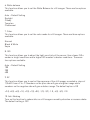
4. Quality
This function allows you to set the JPEG compression for still images. There are
three options available:
Fine – Default Setting
Standard
Economy
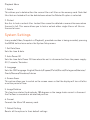
5. Sharpness
This function allows you to set the picture sharpening for still images. There are
three options available:
Strong
Standard – Default Setting
Soft