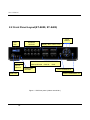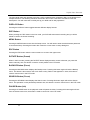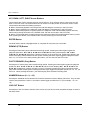
1
Digital Video Recorder
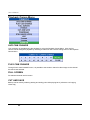
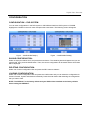
TOP MENU
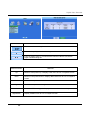
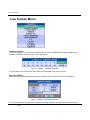
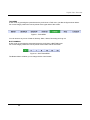
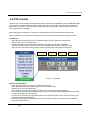
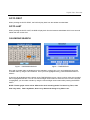
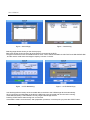
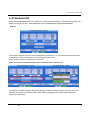
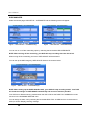
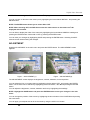
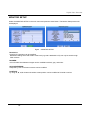
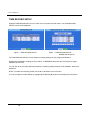
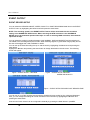
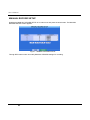
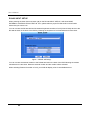
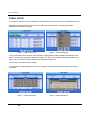
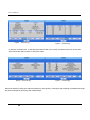
At live mode, by pressing the upward arrow key it will show a TOP menu, just like the figure shown below.
For mouse usage, position the mouse pointer to the upper side of the screen.
Figure0 – TOP MENU.
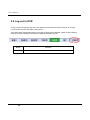
You can enter to any menu of Search, Backup, Alarm, Status, Recording and Log-out
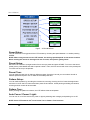
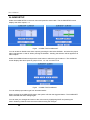
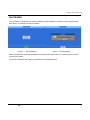
BOTTOM MENU
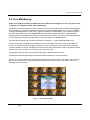
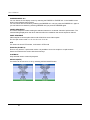
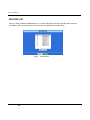
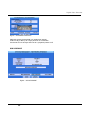
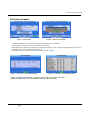
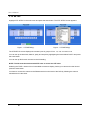
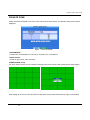
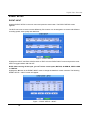
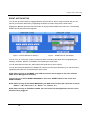
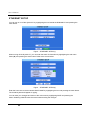
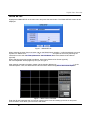
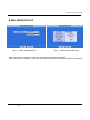
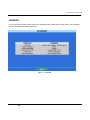
At live mode, by pressing the downward arrow key it will show a BOTTOM menu.
For mouse usage, position the mouse pointer to the bottom side of the screen.
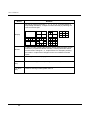
Figure 21 – BOTTOM MENU.
The Bottom Menu will allow you to change the live view formats.
32