1
User’s Manual
CONFIGURATION – CD-RW
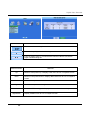
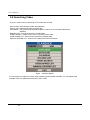
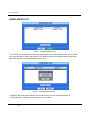
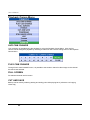
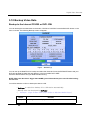
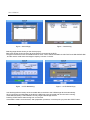
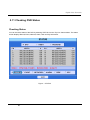
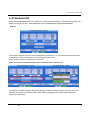
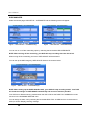
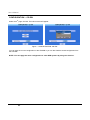
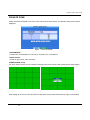
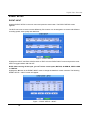
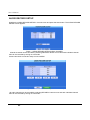
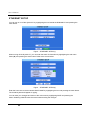
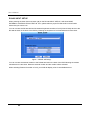
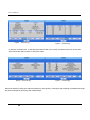
Select the 2nd page, CD-RW. The below screen will appear.
Figure – CONFIGURATION -CD-RW.
You can save the current configuration to the CD/USB or you can also load the saved configuration from
the CD/USB.
NOTE: You can apply the same configuration to other DVR systems by using this function.
63