1
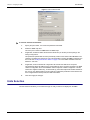
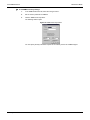
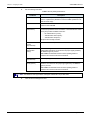
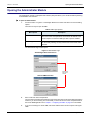
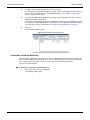
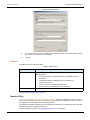
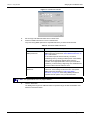
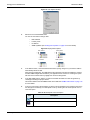
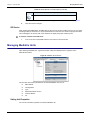
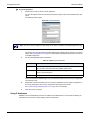
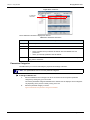
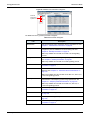
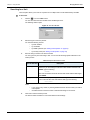
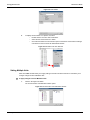
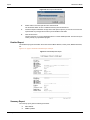
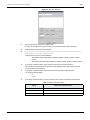
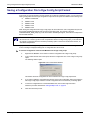
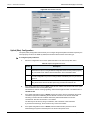
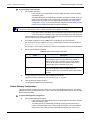
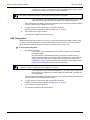
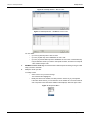
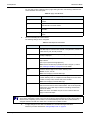
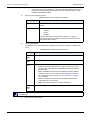
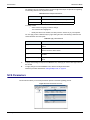
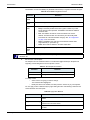
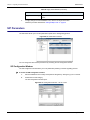
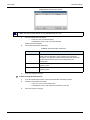
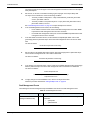
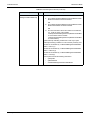
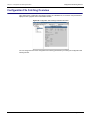
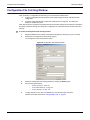
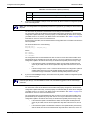
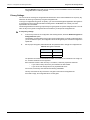
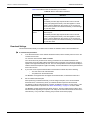
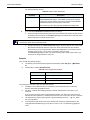
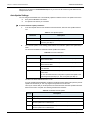
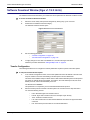
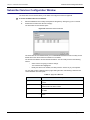
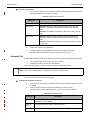
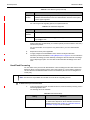
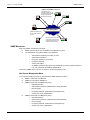
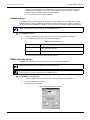
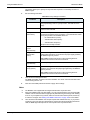
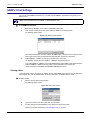
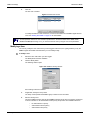
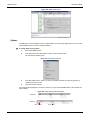
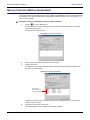
Software Download Window Administration Manual Software Download Window The Software Download window allows you to define the various parameters to download a software version. To access the Software Download window: 1. Select the Mediatrix unit to modify and expand its categories by clicking the [+] icon on the left. 2. Double-click the Software Download category. The Software Download window opens. Figure 101: Software Download Window 3. 4. Set the following parameters: • “Server Settings” on page 129 • “Download Settings” on page 130 • “Auto-Update Settings” on page 132 To apply changes to more than one Mediatrix unit, click the Set target units button. Follow the procedure described in “Setting Multiple Units” on page 39. Server Settings The Server section of the Software Download window allows you to define how to transfer the software. To set server parameters: 1. In the Server section, set the IP information. • If you want the Mediatrix unit to receive its IP information via a DHCP server, check the Use DHCP option. • Unit Manager Network If you want to enter static IP information, uncheck the Use DHCP option and enter the IP information in the corresponding fields. 129