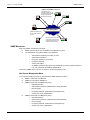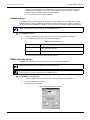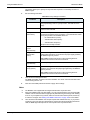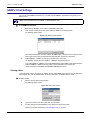
1
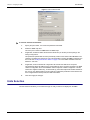
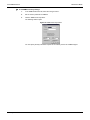
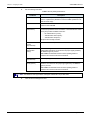
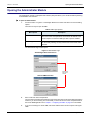
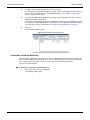
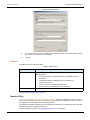
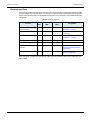
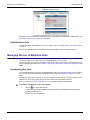
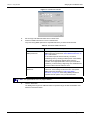
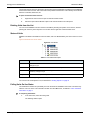
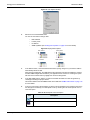
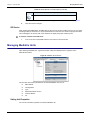
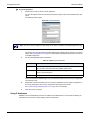
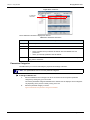
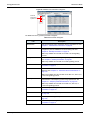
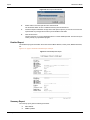
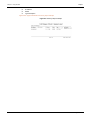
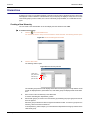
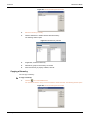
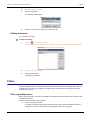
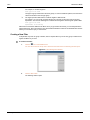
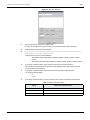
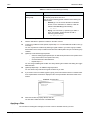
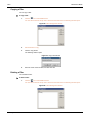
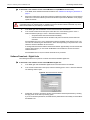
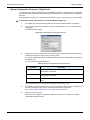
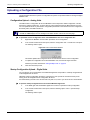
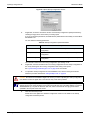
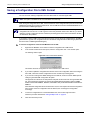
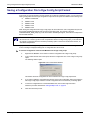
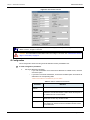
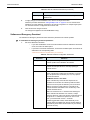
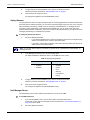
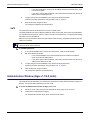
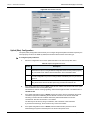
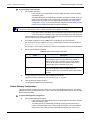
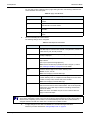
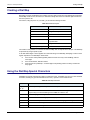
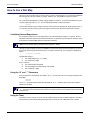
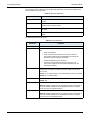
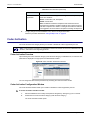
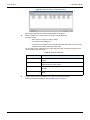
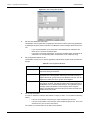
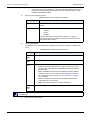
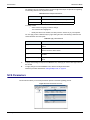
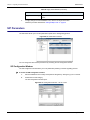
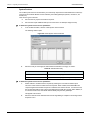
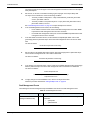
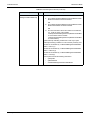
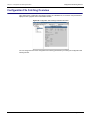
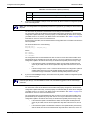
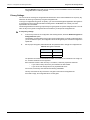
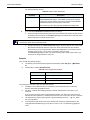
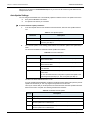
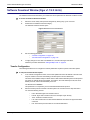
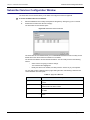
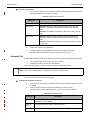
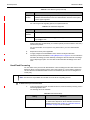
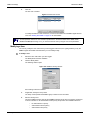
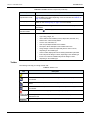
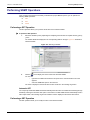
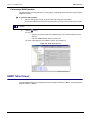
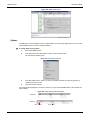
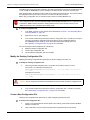
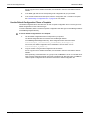
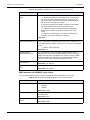
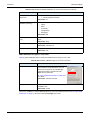
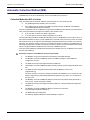
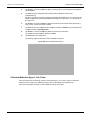
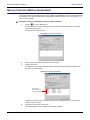
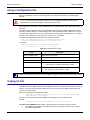
Chapter 4 - Using the UMN Managing Mediatrix Units Figure 29: IP Addresses IP addresses information The IP addresses information is displayed in columns. Table 14: IP Addresses Information Column Description Description Brief description of the IP address. Current IP Actual value of the IP address. Mode Source of the IP address. Static • DHCP: a DHCP server provided the IP address when the Mediatrix unit was powered on. • Static: you manually specified a static IP address. Indicates which IP address to use in case the DHCP server cannot be reached or if you are using static IP addresses. Parameters Categories The UMN allows you to access and modify the properties and settings of the units. Note: The digital Mediatrix units do not have parameter categories. To manage a Mediatrix unit: 1. Select the Mediatrix unit to manage in the list of connected units and expand its parameter categories by clicking the [+] icon on the left. The various parameters categories available for the selected unit are displayed. These categories vary depending on the protocol currently running in the unit. 2. Select the parameter category to access. Figure 30 illustrates the parameter categories available. 36 Unit Manager Network