1
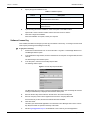
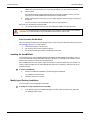
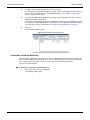
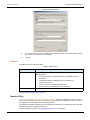
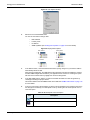
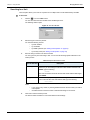
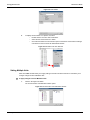
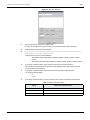
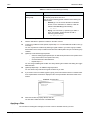
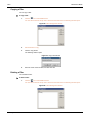
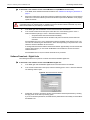
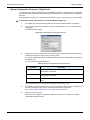
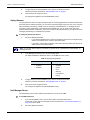
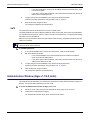
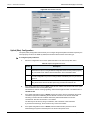
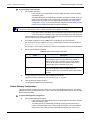
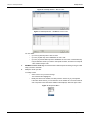
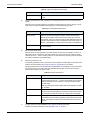
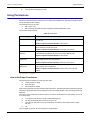
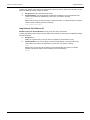
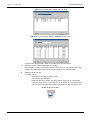
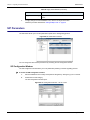
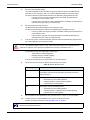
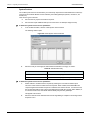
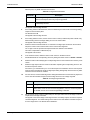
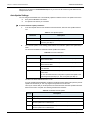
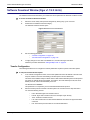
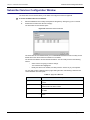
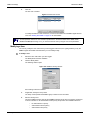
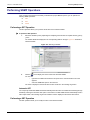
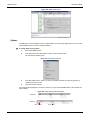
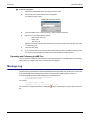
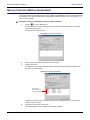
Chapter 19 - Edit SNMP Window Performing SNMP Operations Performing SNMP Operations Once a remote unit has been successfully contacted and a proper MIB file opened, you can perform the following SNMP operations: GET SET WALK Performing a GET Operation The GET operation allows you to poll the actual value of the selected variable. To perform a GET operation: 1. Select the variable to poll by expanding and collapsing tree branches as required with the [+] and [] icons. The variable details are displayed in the corresponding fields on the right. Figure 121 illustrates a selected variable. Figure 121: Selecting a Variable 2. Click the tool to display the current value of the selected variable. You can also: • right-click the variable and select the Get option in the context-sensitive menu that appears • select the SNMP:Get option in the menu bar The value is displayed in the Actual value section as well as in the message log section. Automatic GET You can specify that the Edit SNMP window automatically GETs the value of a variable when browsing through the MIB by checking the Automatic GET option in the window. The Edit SNMP window automatically sends a GET request result in the message log and the variable’s value is displayed in the Actual value section. Performing a SET Operation The SET operation allows you to modify the value of the selected variable. 176 Unit Manager Network