1
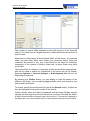
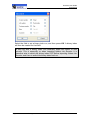
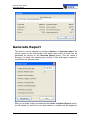
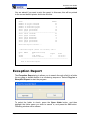
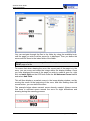
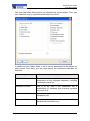
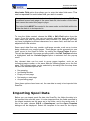
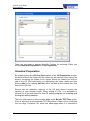
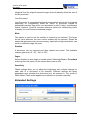
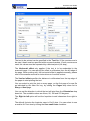
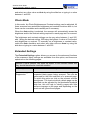
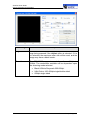
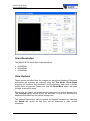
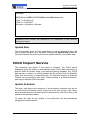
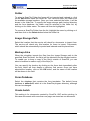
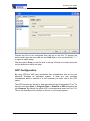
ScanFile User Guide Exception Report The screen allows you to select the start and end values of the numeric range to search. You can also select the folder field to search in. Once you have entered the information, press the Start button to perform the range check. If any numbers within the range are found to be missing or double, a file called Error.log will be created in the Temp directory. You will be given the option to view this file immediately the check has finished. The file will look like this: Folder EXCEPTION 2 has been tested with the following parameters: Start value: 1 Stop value: 30 Field #1 The following numbers could not be found: 1 2 3 The following entries were not unique: Range check has been completed with 3 errors. General Information Page 143