1
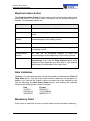
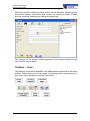
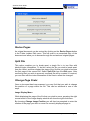
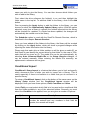
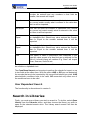
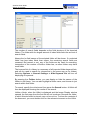
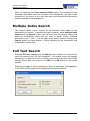
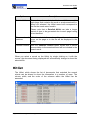
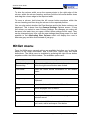
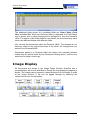
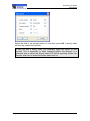
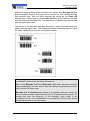
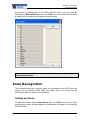
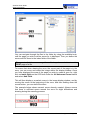
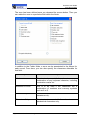
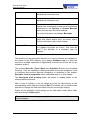
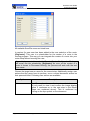
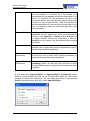
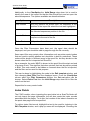
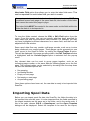
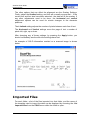
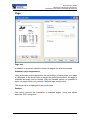
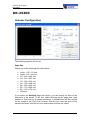
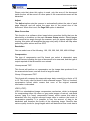
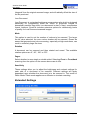
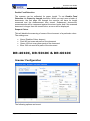
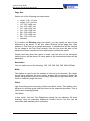
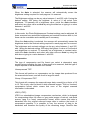
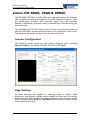
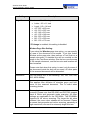
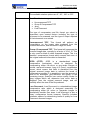
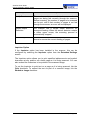
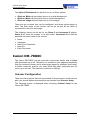
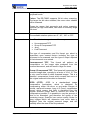
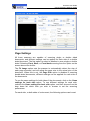
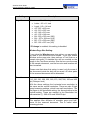
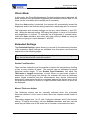
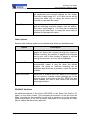
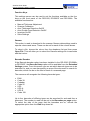
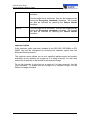
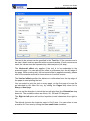
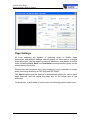
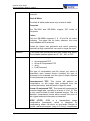
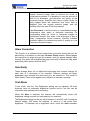
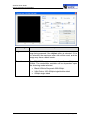
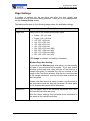
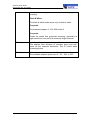
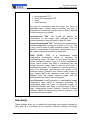
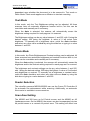
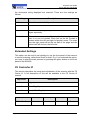
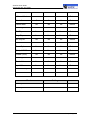
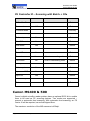
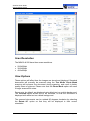
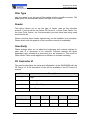
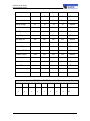
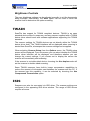
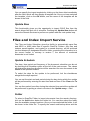
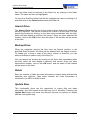
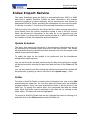
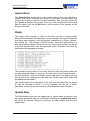
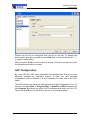
ScanFile User Guide Canon DR-3020 Photo Mode In this mode, the Photo Brightness and Contrast settings can be adjusted. Both scanners have automatic brightness and contrast functions built-in, but these can be overridden and manually set if necessary. When the Auto setting is selected, the scanner will automatically sense the brightness and/or the contrast setting required for each page as it is scanned. The brightness and contrast settings can be any value between 1 and 255, with 1 being the darkest setting, 255 being the lightest. A value of 0 will select auto brightness or contrast. To manually set a brightness or contrast value, untick the Auto checkbox and select any other value as Auto by using the slide bar or typing in a value between 1 and 255. Canon DR-3020 The Canon DR-3020 is a 40 page per minute black & white scanner with automatic paper thickness and size detection, with a maximum paper size of B4. Its automatic document feeder can take up to 100 sheets at a time, and these can be either single or double-sided documents. It has an industry standard SCSI-2 interface. The DR-3020 has a maximum resolution of 300dpi. To configure the DR-3020 scanning options, ensure that the DR-3020 is set as the default scanner and then click on the Scanner Setup button. The following window will then be displayed Page 278 Scanner Setup