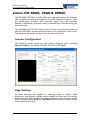
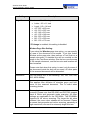
1
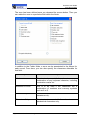
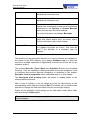
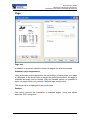
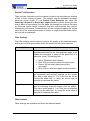
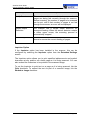
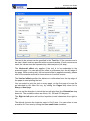
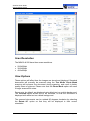
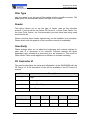
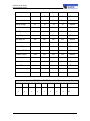
ScanFile User Guide DR-2580C Please note that when this option is used, only the area of the document inside the box will be saved. All other parts of the scanned document will be discarded. Adjust The Adjust option sets the scanner to automatically detect the size of each page scanned, and will adjust the page size to the actual size of the document. When this is set, the Page Size option is disabled Skew Correction This function is a software driver based skew correction facility that can be selected by a checkbox on the main Scanner Setup window. Should pages be scanned at an angle through the scanner, and not appear straight when viewing, this option will straighten the page and justify it which will help when performing other actions such as OCR. Resolution You can select one of the following: 100, 150, 200, 240, 300, 400 & 600dpi Compression The type of compression and file format you select is dependent upon several factors including the type of document to be scanned, and the type of output required of that document once stored. Uncompressed TIFF: This format will perform no compression on the image data produced from the scanned document, and will result in large file sizes. Group 4 Compressed TIFF: This format will compress the scanned image data, normally by a factor of 10 to 15. This is only used for black & white scanned images. This is a 'lossless' compression format which means that none of the original scanned information is discarded. JPEG (JTIFF): JPEG is a standardised image compression mechanism, which is designed for compressing either full-colour or grey-scale images of natural, real-world scenes. Jpeg is a 'lossy' compression format, which means that data is discarded from the original scanned image data to achieve the levels of compression possible. It is possible to vary the amount of data to be discarded, and therefore the quality of the remaining image. ScanFile has various quality levels for Jpeg images which will determine how much data is Page 232 Scanner Setup