1
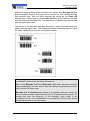
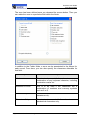
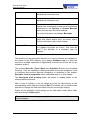
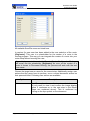
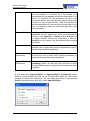
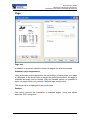
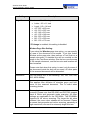
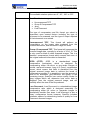
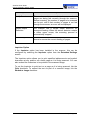
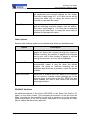
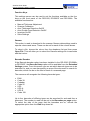
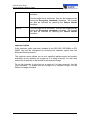
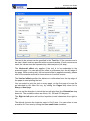
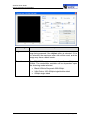
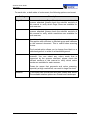
ScanFile User Guide Using Separation Sheets During a scan process all scanned images are compared with the saved job separation sheets. If the threshold is reached, an image is considered to be a job separation sheet and therefore isn’t saved. At the same time the current document is closed and a new document is created. Further scanned images are saved into the new document. Properties Additional settings can be applied to influence the recognition. These properties are also used in the Zone OCR setup. The following table gives a short overview: Option Description Threshold The threshold is the setting that determines whether a sheet will be recognised by the reliability of that sheet. When you run the Test Recognition a percentage will be marked against the sheet. Example: If the threshold is set to 60 then any sheets which have matching identifiers will return higher than 60 and be recognised, any sheets that don't have matching identifiers will score below 60 and be rejected as that sheet. Skew Correction The setting will straighten or unstraighten any images that have been scanned to assist with a more successful recognition. Border Removal This setting will remove or add the borders that may appear on a document once it has been scanned. Using Separation Sheets Each ScanFile Folder can have a Job Separation Sheet template associated with it. This is configured in the Setup Folder window by selecting the folder you wish to configure, go to Extended Settings and select the template to use within the Job separation sheet drop-down list. Job Separation Sheets Page 167