1
User manual for controller/data recorder MultiCon CMC-99/141
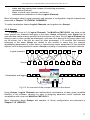
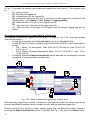
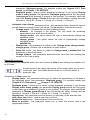
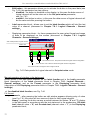
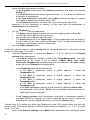
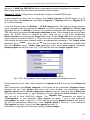
We enter to the Device configuration → Build-in outputs menu and using arrows or
pressing middle button with a number in upper navigation bar select output you want to use
e.g. Output 1. Next set: Source: Logical Channel 3, (then unit of Input Levels will be
changed automatically to ”mA”), Input Lower level: 4 mA, Input Upper level: 12 mA, Output
Lower level: 4 mA, Output Upper level: 12 mA, Alarm Level: 4 mA.
We have defined logical channel and build-in output. To visualise the data, channel must be
added to some group.
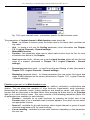
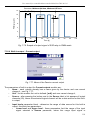
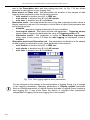
Using Configuration menu enter Groups definition, and enable Group 1 (Group: enabled).
Then change its name to e.g. “Temperature controller”, and select sources of data to be
presented. To do this move window over parameters called Channels and set them as follow
Slot 1: Log. ch. 1 “Set point”, Slot 2: Log. ch. 2 “Room”; Slot 3: Log. ch. 3 “Controller”,
Slot 4: empty, Slot 5: empty; Slot 6: empty.
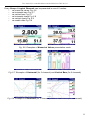
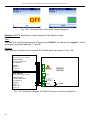
After whole configuration exit the menu pressing Save changes, the result should be
visible as soon as first measurement is done.
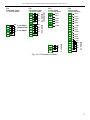
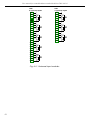
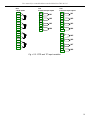
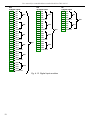
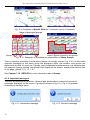
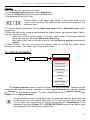
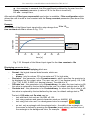
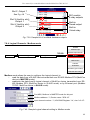
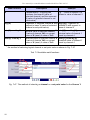
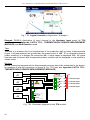
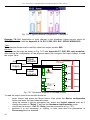
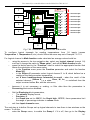
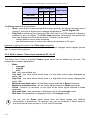
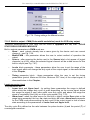
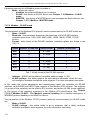
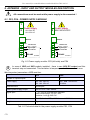
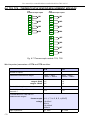
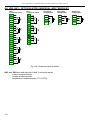
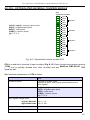
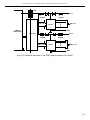
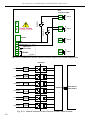
Due to fact that output is passive type, it is required to power the current loop. Schematic is
shown in the Fig. 8.19. Note that polarisation of IO2 and IO4 outputs has no matter.
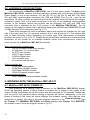
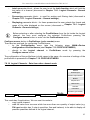
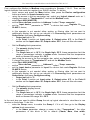
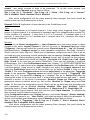
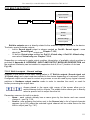
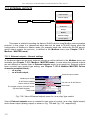
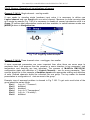
7.14. GROUPS
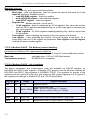
General settings
Logical channels
Built-in input
Built-in outputs
External outputs
Profiles/timers
Controllers
MENU
Device configuration
Groups
Modbus
Network settings
Access options
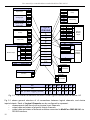
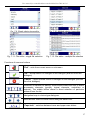
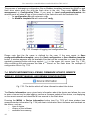
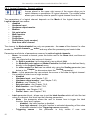
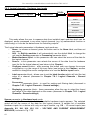
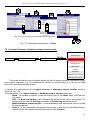
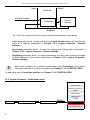
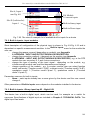
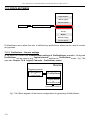
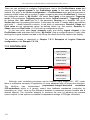
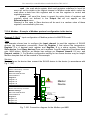
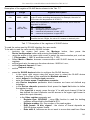
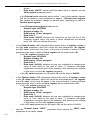
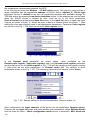
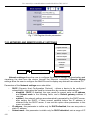
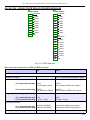
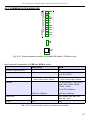
As it was mentioned Groups have the sets of 1-6 Logical Channels collected together
for clearance. To see detailed definition of Group see Chapter 5.1. UNDERSTANDING
controller/data recorder MultiCon CMC-99/141. If the MultiCon has license for data logging
then each Group is able to log the data coming from Logical channel included in this Group.
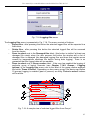
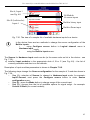
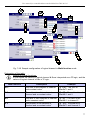
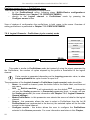
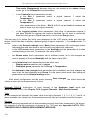
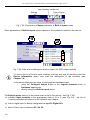
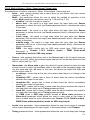
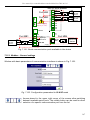
7.14.1. Groups - General settings
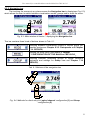
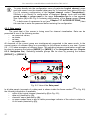
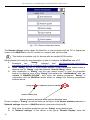
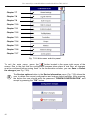
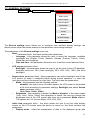
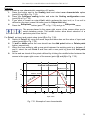
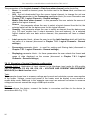
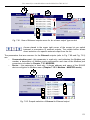
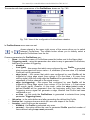
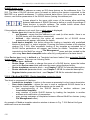
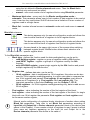
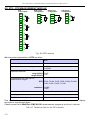
Arrows placed in the upper right corner of the screen allow switching
between groups to configure settings of group parameters. The middle
button allows direct selection of specific group from the list.
140