1
C70 Instruction Manual
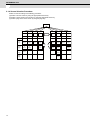
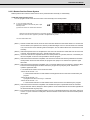
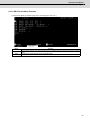
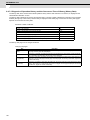
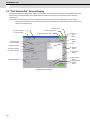
1.2 Screen Operation of GOT
1.2 Screen Operation of GOT
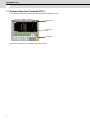
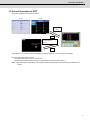
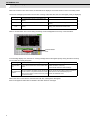
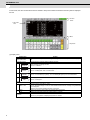
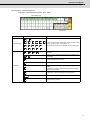
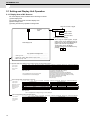
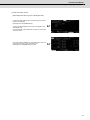
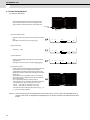
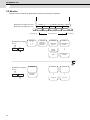
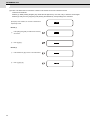
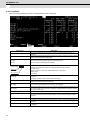
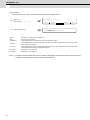
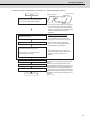
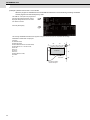
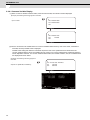
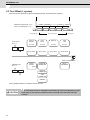
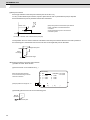
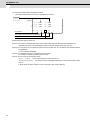
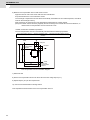
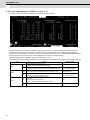
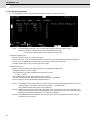
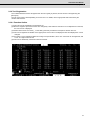
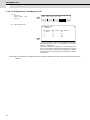
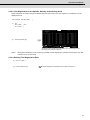
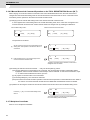
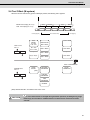
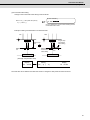
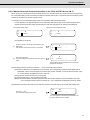
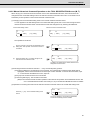
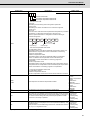
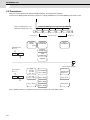
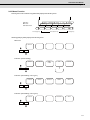
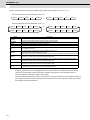
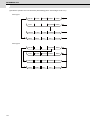
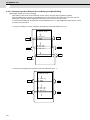
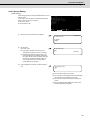
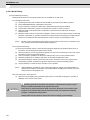
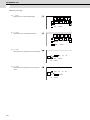
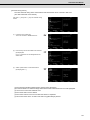
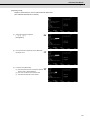
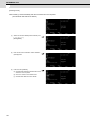
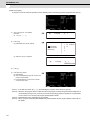
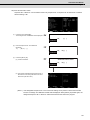
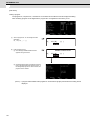
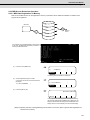
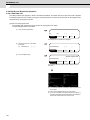
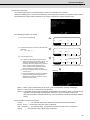
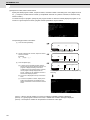
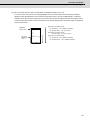
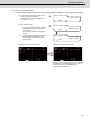
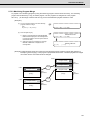
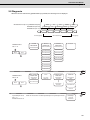
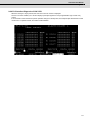
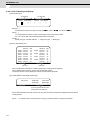
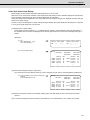
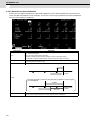
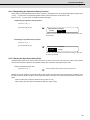
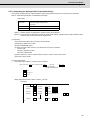
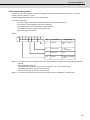
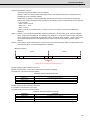
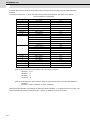
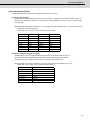
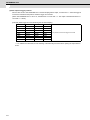
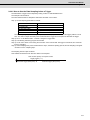
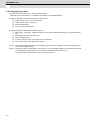
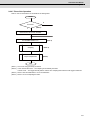
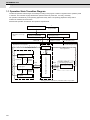
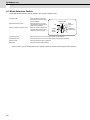
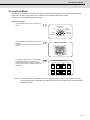
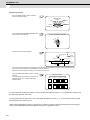
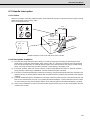
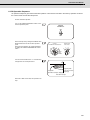
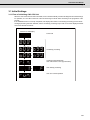
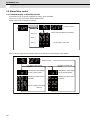
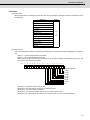
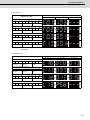
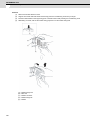
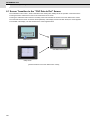
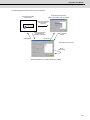
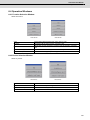
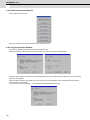
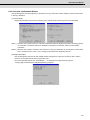
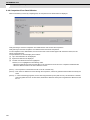
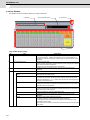
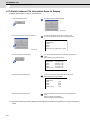
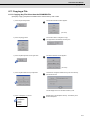
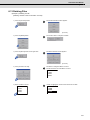
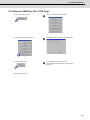
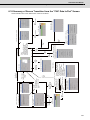
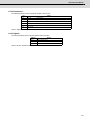
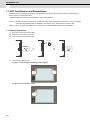
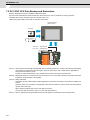
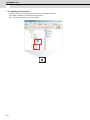
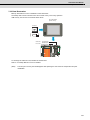
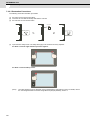
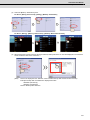
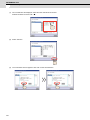
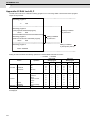
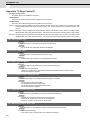
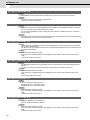
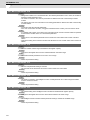
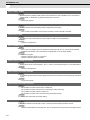
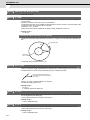
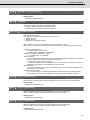
Using GOT enables the NC screen as follows.
<GT15>
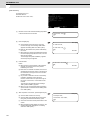
<GT16>
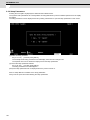
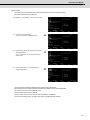
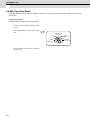
"CNC Monitor"
icon
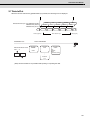
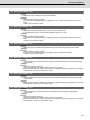
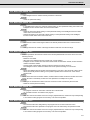
(a)
Exit
Monitor screen
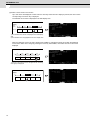
Extended function switch
(to CNC monitor)
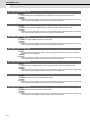
(Note 1)
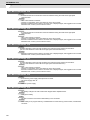
Extended function switch
(to CNC monitor)
(b)
Exit
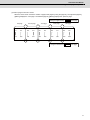
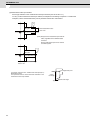
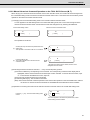
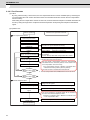
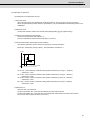
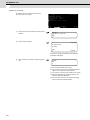
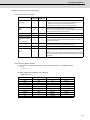
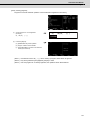
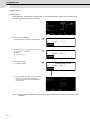
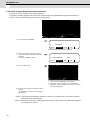
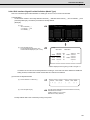
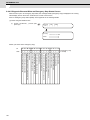
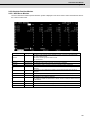
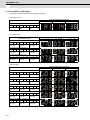
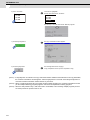
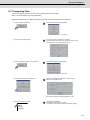
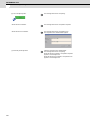
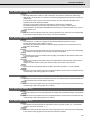
(Note) Refer to "2.1.2 Screen Transition Diagram (L system)" (Refer to 2.1.3 for M system.) for details.
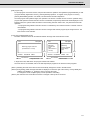
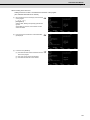
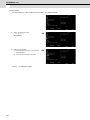
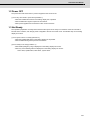
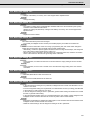
NC screen appears by either method.
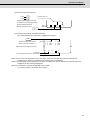
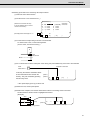
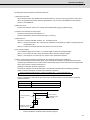
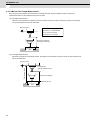
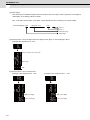
(a) Select "CNC monitor" key on Utility screen.
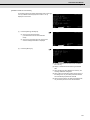
(b) Select the extended function switch (to CNC Monitor) on Monitor screen. (Note 1)
(Note 1) This switch differs depending on the machine. Refer to the instruction manual issued by the machine tool
builder.
5