1
Using Application Specific Instructions
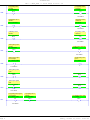
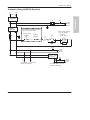
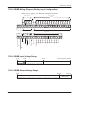
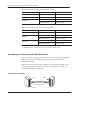
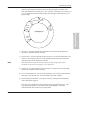
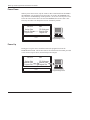
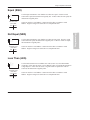
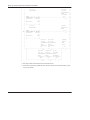
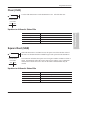
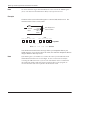
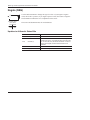
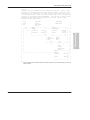
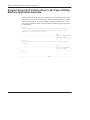
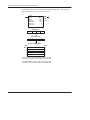
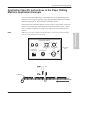
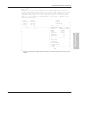
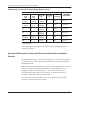
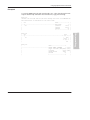
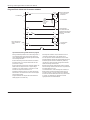
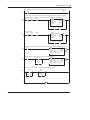
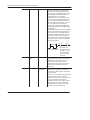
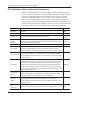
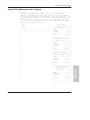
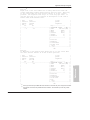
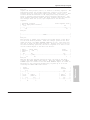
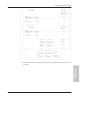
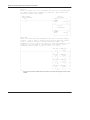
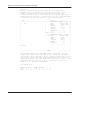
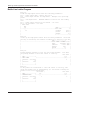
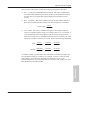
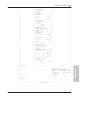
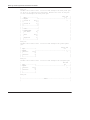
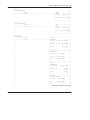
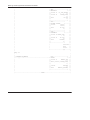
The instruction loads data into a new file element at each false-to-true transition of
the rung. When step 4 is completed, the done bit (DN) is set. Operation cycles to
position 1 at the next false-to-true transition of the rung after position 4.
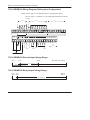
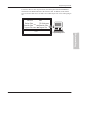
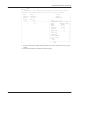
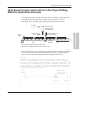
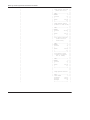
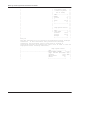
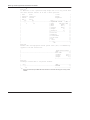
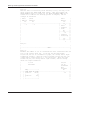
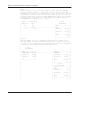
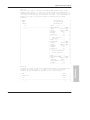
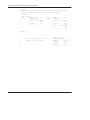
If the source were a file address such as #N7:40, files #N7:40 and #N7:30 would
both have a length of 5 (0–4) and would track through the steps together per the
position value.
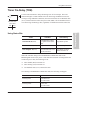
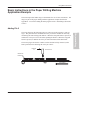
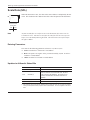
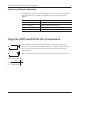
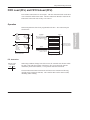
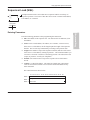
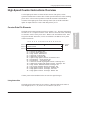
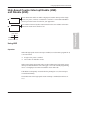
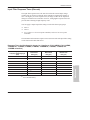
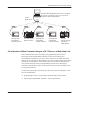
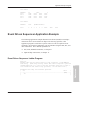
The Selectable Timed Interrupt (STI) function allows you to interrupt the scan of the
application program automatically, on a periodic basis, to scan a subroutine file.
Afterwards the controller resumes executing the application program from the point
where it was interrupted.
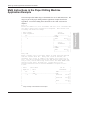
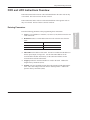
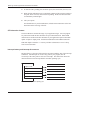
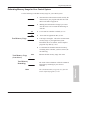
Basic Programming Procedure for the STI Function
To use the STI function in your application file:
Note
1.
Enter the desired ladder rungs in File 5. (File 5 is designated for the STI
subroutine.)
2.
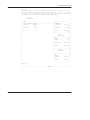
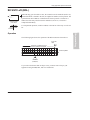
Enter the setpoint (the time between successive interrupts) in word S:30 of the
status file. The range is 10–2550 ms (entered in10 ms increments). A setpoint
of zero disables the STI function.
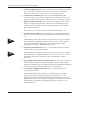
The setpoint value must be a longer time than the execution time of the STI
subroutine file, or a minor error bit is set.
Operation
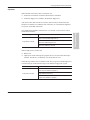
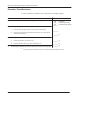
After you restore your program and enter the REM Run or REM Test mode, the STI
begins operation as follows:
1.
The STI timer begins timing.
2.
When the STI interval expires, the program scan is interrupted and the STI
subroutine file is scanned; the STI timer is reset.
3.
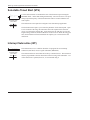
If while executing the STI (file 5), another STI interrupt occurs the STI pending
bit (S:2/0) is set.
11–15
Programming
Selectable Timed Interrupt (STI) Function Overview