1
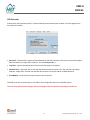
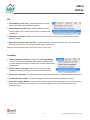
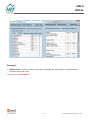
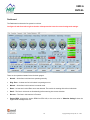
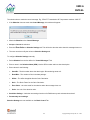
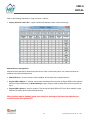
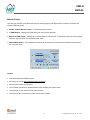
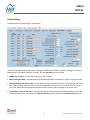
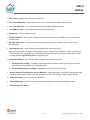
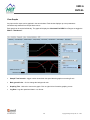
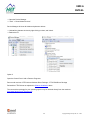
EMC-6 EMC-6L Analog Inputs The user may define up to 6 analog inputs, either thermistor or potentiometer inputs. To configure Analog Settings: Pull-Up (+5V) – Select On for thermistors. When on, the module sources current for use with resistive thermal devices. Select Off for potentiometer or analog inputs. Enable – check to enable the input. Input Type – Select Thermistor or Voltage type. Analog Name – name the input. Low Value & High Value – the minimum and maximum values the sensor can report. Send New Settings – loads the new settings into the unit’s RAM memory and activates these stimuli. Permanently save settings Analog Settings are now available on the Bank Control Tab. 021-00360 Rev A.2 24 Copyright © High Country Tek, Inc. – 2014