1
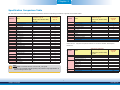
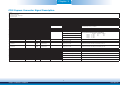
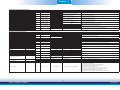
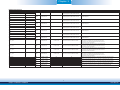
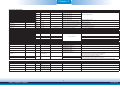
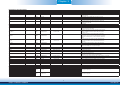
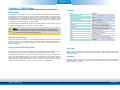
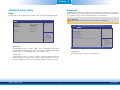
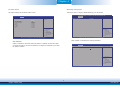
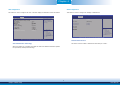
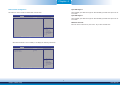
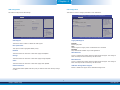
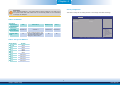
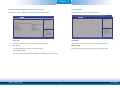
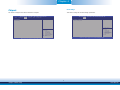
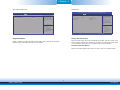
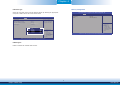
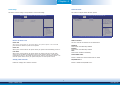
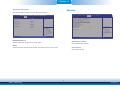
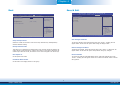
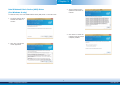
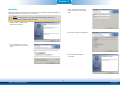
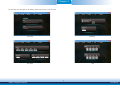
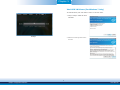
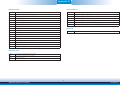
Chapter 4 Security Configuration Important: When installing Windows 7, only native USB 2.0 devices (USB port 0 to USB port 3) can operate under DOS mode. Please refer to the following tables for more infomation on the type of USB ports. This section configures the setting relevant to the Intel(R) Anti-Theft Technology. Aptio Setup Utility - Copyright (C) 2013 American Megatrends, Inc. Advanced Table 1. OS Selection Operation Environment for Customers OS Selection in the BIOS Advanced Menu DOS Windows 7 Windows 8.x Linux Windows 8.x Windows 7 Windows 8.x Windows 8.x All All Available USB ports All When installing Windows 7 first time, only native USB 2.0 ports can work. Please refer to the USB type in table 2 below. Intel(R) TXE Configuration TXE FW Version 01.01.00.1089 TXE HMRFPO [Disabled] Select Screen Select Item Enter: Select +/-: Change Opt. F1: General Help F2: Previous Values F3: Optimized Defaults F4: Save & Reset ESC: Exit Version 2.16.1242. Copyright (C) 2013 American Megatrends, Inc. Table 2. The Type of USB Ports Model Name BT9A3 USB 3.0 Native USB 0 Native USB 1 Native USB 2 Native USB 3 Native USB 4 HSIC port 0 USB 5 HSIC port 1 USB 6 HSIC port 2 USB 7 HSIC port 3 32 Chapter 4 BIOS Setup www.dfi.com