1
Chapter 5
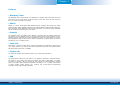
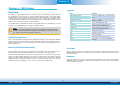
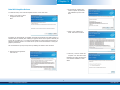
Adobe Acrobat Reader 9.3
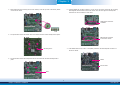
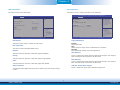
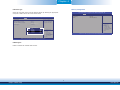
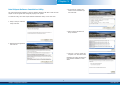
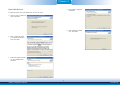
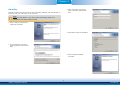
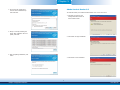
3. Go through the readme document for more installation tips
then click Next.
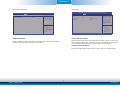
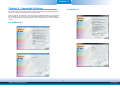
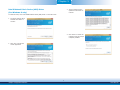
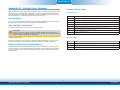
To install the reader, click “Adobe Acrobat Reader 9.3” on the main menu.
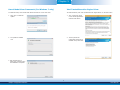
1. Click Next to install or click
Change Destination Folder to
select another folder.
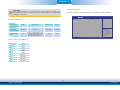
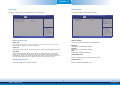
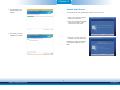
4. Setup is currently installing the
driver. After installation has completed, click Next.
2. Click Install to begin installation.
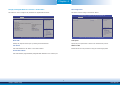
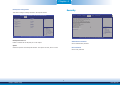
5. After completing installation, click
Finish.
3. Click Finish to exit installation.
51
Chapter 5 Supported Software
www.dfi.com