1
6
THE INTERFACE OF MVD
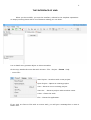
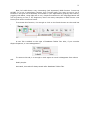
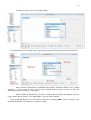
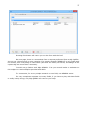
When you throw MVD, you see the interface, reduced to its simplest expression :
an empty working sheet with a lot of buttons waiting you use them.
Let us detail every present object on this screenshot.
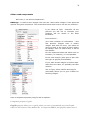
On the top, stands the menu bar with 4 items : File - Project - Forum - Help
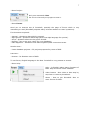
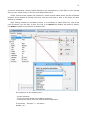
- menu File :
New Project : Launches with a new project.
Open Project : Opens an existing project.
Save : Saves a new or existing project.
Save As... : Saves a project under another name.
Close : Closes the work.
Exit : Closes the application.
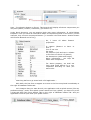
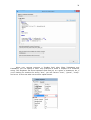
If you click on Close or Exit with a current work, you will get a message box to save it
before exit.