1
10 Troubleshooting
SMA America, LLC
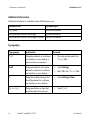
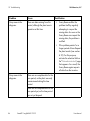
Problem
Cause
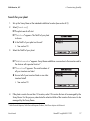
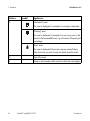
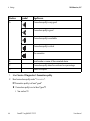
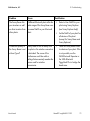
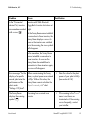
Some inverters are
marked with a lock
symbol (
), others
have a checkmark
( )
Different plant passwords are set in
the inverters for the user group
"User".
80
Rectification
• Set the same plant password
for "User" in all inverters using
the Sunny Explorer
(see Sunny Explorer help).
• Enter the plant password in
the Sunny Beam
(see section 6.11).
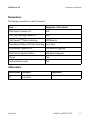
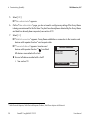
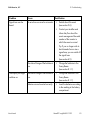
A different plant with
SMA Bluetooth is located within the
radio range of the Sunny Beam and
uses the same NetID as your plant.
• Detect a free NetID for your
plant using Sunny Explorer
(see Sunny Explorer help).
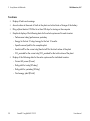
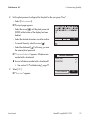
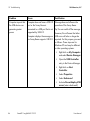
Your plant was retrofitted with an
inverter in which the plant password
set for the user group "User" is
different to that in the Sunny Beam.
• For the new inverter, use the
Sunny Explorer to set the plant
password configured in your
plant for the user group
"User". Tip: To access the
plant password set in the
Sunny Beam, see section
6.11.
BeamBT11-eng-BA-BUS113213
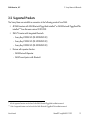
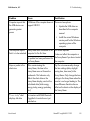
• Set the NetID of your plant for
all devices of the plant
(except for Sunny Beam and
Sunny Explorer).
User Manual