1
Ocularis Video Walls
Ocularis Client User Manual
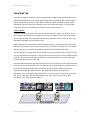
Shared and private Views
General View controls
View Panes
Cameras and inputs
Properties for each type
of input/element
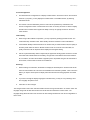
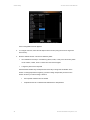
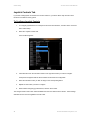
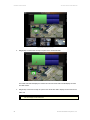
The Setup Utility (1+5 view)
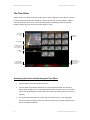
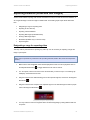
Views are organized within folders or ‘View Groups’. Folders labeled ‘Shared’ are views that can be
accessed by all users. Those labeled ‘Private’ are views that are accessible only by the user who
created them.
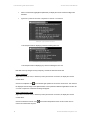
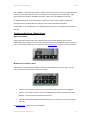
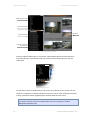
The View Tree structure
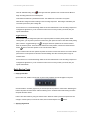
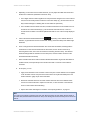
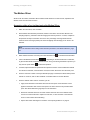
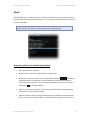
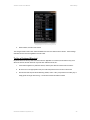
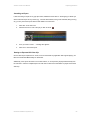
The ‘Edit Views’ search box enables easy access to views. Any character (number or letter; not case
sensitive) or combination of characters will filter the views list to only the views containing the character
or string of characters entered, highlighting those characters within the views’ names.
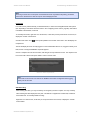
Note:
The ability to edit either views can be limited based on the user’s privileges on the NVR
Management Application utility.
84
On-Net Surveillance Systems, Inc.