1
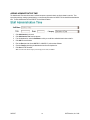
REGISTERING A NEW COALITION MEMBER
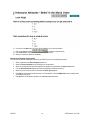
Registering a coalition partner staff member is similar to registering one of the lead agency’s staff members. The coalition staff
members are entered and they can track services performed just as if they were members of the lead agency staff. You can only
bring up coalition members into the form and the lead agency staff will not be shown.
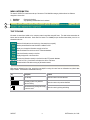
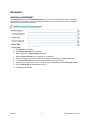
A coalition staff member MUST be entered if he/she will:
1.
Need access to the database.
2.
Be performing a prevention service.
3.
Be attending coalition meetings
1.
2.
3.
4.
5.
6.
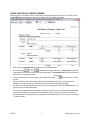
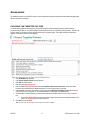
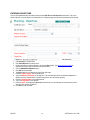
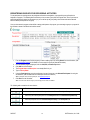
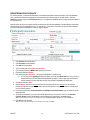
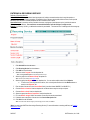
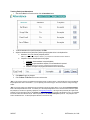
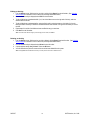
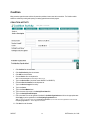
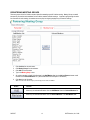
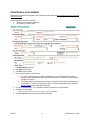
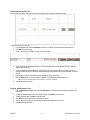
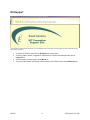
Click Coalition from the main menu.
Click Coalition Member Registration from the submenu.
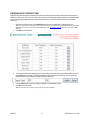
Click Add from the left toolbar.
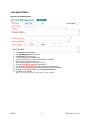
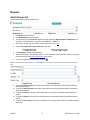
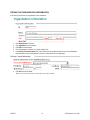
Enter in the member’s Login Information.
a. The User ID* will be the login name used by the member. This may be anything that you choose. Choosing
a User ID and Password scheme will simplify administration. (For Example: Using first initial and last name
for the User ID.)
b. The Password* field is the password the user will type in along with the User ID and organization number to
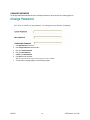
log into CADCAT. This may be anything that you choose. Once users log in themselves, they can use the
Change Password area to change their own password.
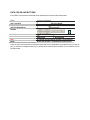
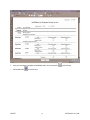
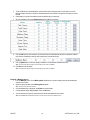
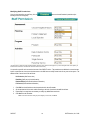
Fill in all the required fields (i.e., any red field with an asterisk) of information for your coalition member.
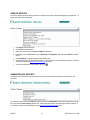
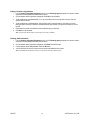
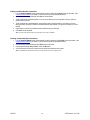
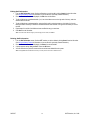
Click Save from the left toolbar.
*Note: To exit this screen without saving any of the changes you have made, click Cancel.
CADCAT
44
© KIT Solutions, Inc. 2006