1
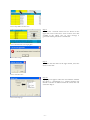
Step 6
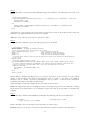
Delete the existing region sheets and reload the portfolios to avoid generating an error message the next
time the user tries to copy new portfolios.
Remove indicators
When indicators are no longer wanted they can be removed in the following way. Before proceeding it is
recommended that you close all excel sheets except for the tool. In this way it is easier to find the right
places for the codes.
WITH NUMERICAL BUCKETS:
Step 1
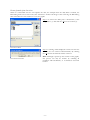
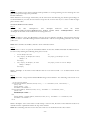
Remove
the
files
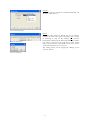
“Example.txt”
and
“Example
limits.txt”
from
the
folder
“V:\Afdelingen\BEL\Portfolio\RIMOR\VBA INPUT FILES NIET VERWIJDEREN”. Where
“Example” is the name of the indicator that is being removed.
Step 2
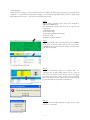
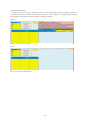
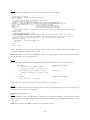
On the worksheet “start” the Bloomberg code for the new indicator should be removed from the first
yellow row below “Geef Bloombergcode en Excelformule:” and the corresponding formula to the second
yellow row.
N.B.: If the formulas are hidden, click the “show formulas” button.
Step 3
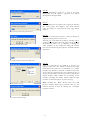
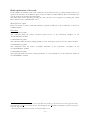
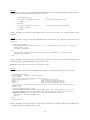
Press <ALT>+<F11> to open the Visual Basic Editor. In the class module kAandeel the indicator has to
be removed by deleting the following three parts of code:
1.
Private tdExample As Double
' ex
2.
Public Property Let dExample(ex As Double)
'
tdExample = ex
'
End Property
' The property gives dExample its value
3.
Public Property Get dExample() As Double
'
dExample = tdExample
'
End Property
' The property returns the value of dExample
Where “Example” is the name of the indicator that is to be removed and “‘ ex” an abbreviation for the
indicator.
Step 4
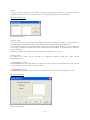
In the subroutine “GegevensVerzamelenModule.Gegevensverzamelen” the following code needs to be
deleted:
' Set the securities Example
If Right(Workbooks(sWbBron).Worksheets(ws.Name).Cells(j, 1 + k * iTussenRuimte).Value, iAantalLetters) = _
"Curncy" Then
'
oaandeel.dExample = -2000
iKolomNummer = iKolomNummer + 1
'
ElseIf Workbooks(sWbBron).Worksheets(ws.Name).Cells(j, iKolomNummer + k * iTussenRuimte).Value = _
"Unknown" Then
'
oaandeel.dExample = -1000
iKolomNummer = iKolomNummer + 1
'
Else
'
oaandeel.dExample = Workbooks(sWbBron).Worksheets(ws.Name).Cells(j, iKolomNummer + k * iTussenRuimte).Value
iKolomNummer = iKolomNummer + 1
'
End If
Where “Example” is the same name as used in Step 3. Next to that, the name of the indicator needs to be
deleted from the explanation field in the top of the module.
N.B.: The remaining code has to be in the same order as it is mentioned on the sheet “Start”.
~ 28 ~