1
Software Installation
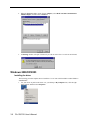
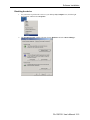
Disabling the device
1.
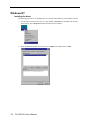
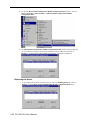
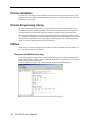
Use your mouse to position the cursor over you desktop’s My Computer icon, click the right
mouse button, and then select Properties.
2.
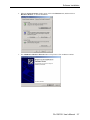
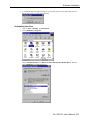
The System Properties window will open. Choose Hardware and select Device Manager.
CA-132/132I User’s Manual 3-15