1
Hardware reference
Replace
Caution
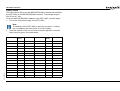
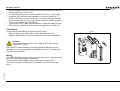
The GRT1-ML2 is a unit that is part of a network. If the GRT1-ML2
is damaged, it effects the whole network. Make sure that a damaged GRT1-ML2 is repaired immediately.
To replace the unit, follow these rules:
• Turn off the power before replacing the unit. This includes the power to
all master and slave units in the network.
• Make sure that the new unit is not damaged.
• If a poor connection is the probable cause of any malfunctioning, do
these steps:
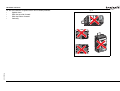
- Clean the connectors with a clean, soft cloth and industrial-grade
alcohol.
- Remove any lint or threads left from the cloth.
- Install the unit again.
• When returning a damaged unit to the OMRON dealer, include a detailed
damage report with the unit.
• Before reconnecting the new unit, do these steps:
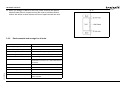
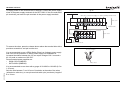
- Set the MECHATROLINK-II station address to the same address as
the old unit.
- If the table registration function was used for the old unit, create a
new registration table for the new unit. See the Trajexia
Programming Manual.
3.6.4
Online replacement
Revision 5.0
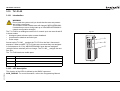
It is possible to replace SmartSlice I/O Units connected to a GRT1-ML2
when the power is on. The I/O communication continues while a SmartSlice
I/O Unit is removed and replaced.
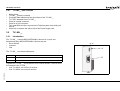
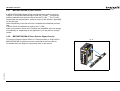
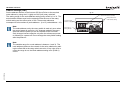
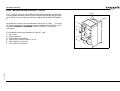
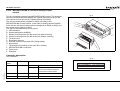
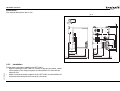
To replace a SmartSlice I/O Unit online, do these steps:
1. Turn off all power supplies of the SmartSlice I/O Unit. This is the I/O
power supply, plus possible external power supplies to the terminal block
(for example, a Relay Output Unit).
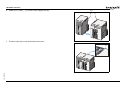
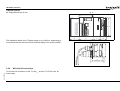
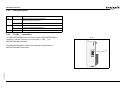
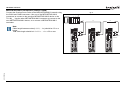
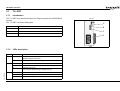
2. Release the locks on the front of the unit and remove the terminal block.
Do not remove the wiring.
HARDWARE REFERENCE MANUAL
156