1
Dark Scan
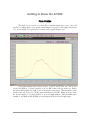
The Dark Scan function stores a background scan which
will be subtracted from subsequent data scans for
computing irradiance. The CCD sensor array is an
integrating sensor; that is, charge is accumulated
continuously in each of the CCD pixels until removed during a readout cycle. The charge
desired is that due to the optical signal under observation. However, other sources also
cause charge to accumulate between readout cycles, acting as a background or pedestal
signal which varies slightly from pixel to pixel. There are three primary sources for dark
signal: detector dark current, light scattered within the instrument, and ambient light in the
test area. Usually the most important of these is detector dark current, which can be very
significant for integration times of 300 mSec and longer. Every time the integration period
is changed, a new Dark Scan MUST be taken.
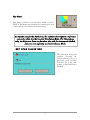
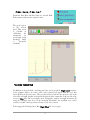
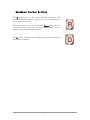
In fact, the software does not permit selection of Irradiance mode
unless a Dark Scan has been taken. To conduct a dark scan, first
block all light from entering the spectroradiometer, and click the
Dark Scan icon (not the arrow).
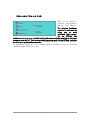
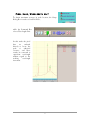
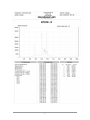
An hourglass icon will appear until the scan cycle is complete.
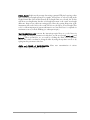
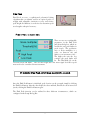
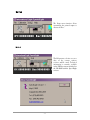
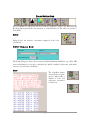
Dark scan dialog box:
Current Scan: The current
scan option is provided to
take a dark scan from the
current data that is being
collected. This would be the
normal setting for ILT900
Irradiance operation.
File: The file option allows
you to save the current scan
for future reference or use
previously saved dark data. If
File is clicked, the option to
name and save a file appears.
A default name is available,
or a user supplied name can
be typed. The file can then
be stored in a selected folder
using standard Windows folder selection. Alternatively, a file can be retrieved and used as
the Dark Scan by clicking Load File.
12