1
Capturing images with a G:BOX
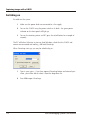
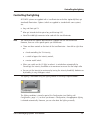
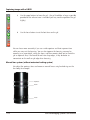
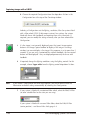
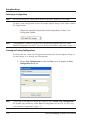
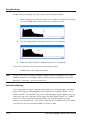
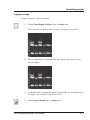
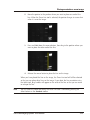
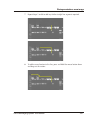
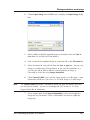
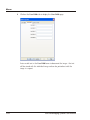
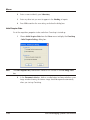
b Choose the … Gel Sample Configuration from the drop-down list box in
the Configuration bar at the top of the GeneSnap window:
8
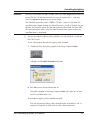
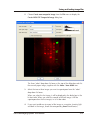
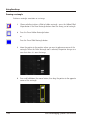
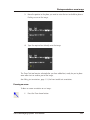
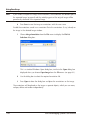
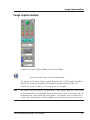
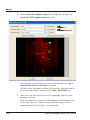
Press the (green) Image capture button in the Image Capture toolbox to
display a live image in the Image window.
9
Adjust the lens (or lens and rack if you are using a motorized racking system):
the details of how you do this depend on your system and any options fitted
to it – see the following subsections for instructions.
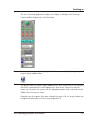
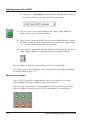
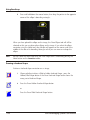
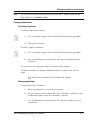
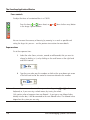
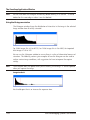
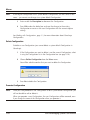
10 Once you have adjusted the lens/rack, close the G:BOX door (the icon on the
Image Capture toolbox in GeneSnap shows when the door is closed):
When you close the door the selected lighting will turn on automatically.
The system is now ready to capture an image using one of the techniques described in
the sections following page 2-17).
Motorized lens systems
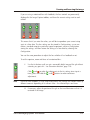
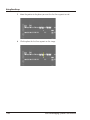
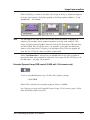
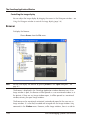
If your G:BOX is fitted with a motorized lens, you use lens controls in the Image
Capture toolbox to change its aperture, zoom setting and focus.
If you are using a motorized lens without feedback, the lens controls are only shown
when you display a live image from a G:BOX system fitted with a motorized lens,
2-12
G:BOX BioImaging Systems User Manual