1
Capturing images with a G:BOX
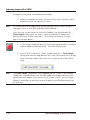
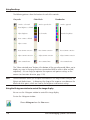
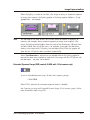
are often linked, they are not the same – for example, if you open the door when
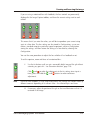
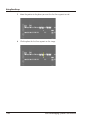
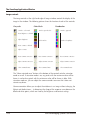
showing a live image with UV lighting, the red lamp will stay lit but the graphic will
show that the UV light has been turned off automatically.
Using the UV light with the G:BOX door open
For safety reasons, if the G:BOX door is open, the UV lights are not turned on when
you display a live image or capture an image. Similarly, the UV lights are turned off if
you open the G:BOX door while you are displaying a live image or capturing an image.
However, there are occasions when you may want to work on a gel illuminated by UV
light from the transilluminator: for example to cut out bands. To allow you to do this,
when Transilluminator is selected in the lighting control you can override the door’s
lighting safety interlock for a live image.
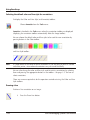
Note
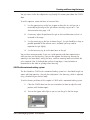
You cannot override the lighting safety interlock for Epi illumination.
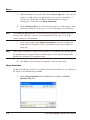
To override the door’s lighting safety interlock so that you can use the transilluminator
with the door open:
Note
1
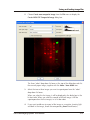
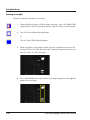
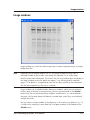
Display a live image in an Image window and select it.
2
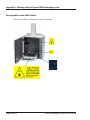
Open the G:BOX door.
3
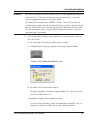
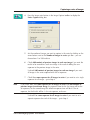
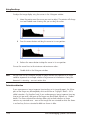
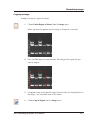
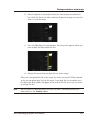
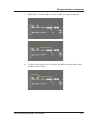
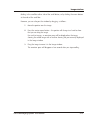
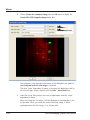
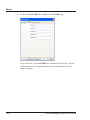
Select Transilluminator from the lighting control drop-down list box (the
lighting graphic will show that the transilluminator is turned off when the door
is open).
Steps 1–3 can be performed in any order.
4
2-8
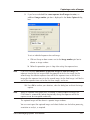
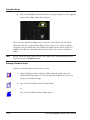
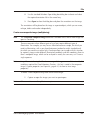
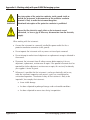
Take suitable precautions to protect yourself and all others present from UV
light coming from the transilluminator.
G:BOX BioImaging Systems User Manual