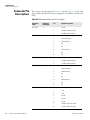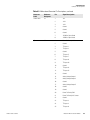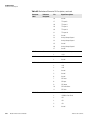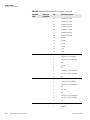
1
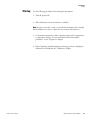
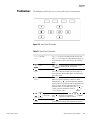
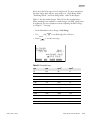
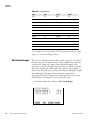
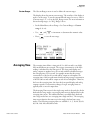
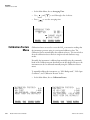
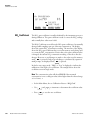
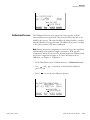
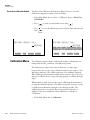
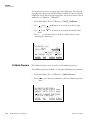
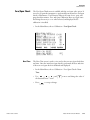
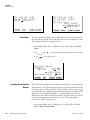
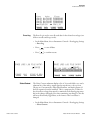
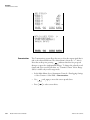
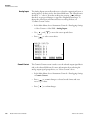
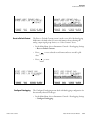
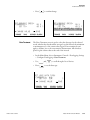
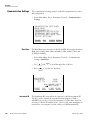
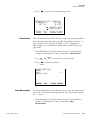
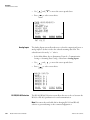
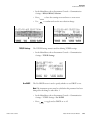
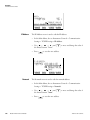
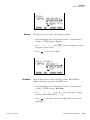
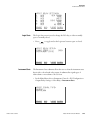
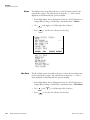
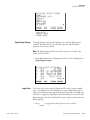
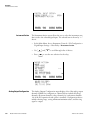
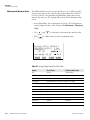
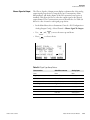
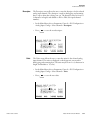
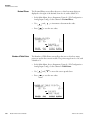
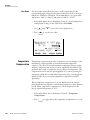
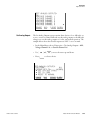
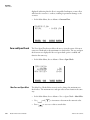
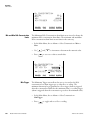
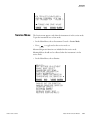
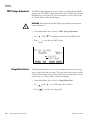
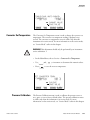
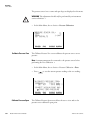
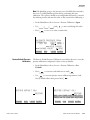
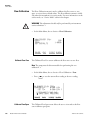
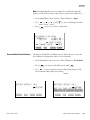
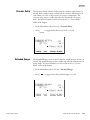
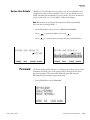
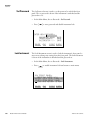
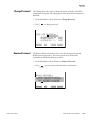
Operation Service Menu ANALOG INPUT CAL: ZERO DISCONNECT SELECTED INPUT! SELECTED INPUT: INPUT 1 CURRENTLY: 6.24 V CALIBRATE INPUT TO ZERO RANGE Analog Input Calibrate Full-Scale AVG DIAGS ALARM The Analog Input Calibration Full-Scale screen allows the user to calibrate the full-scale state of the selected analog input. • In the Main Menu, choose Service > Analog Input Calibration > Select Channel > Calibrate Full Scale. (Hook up a voltage source of 10 V to the analog input channel.) • Use • Press and to increment or decrement the numeric value. to save the value. ANALOG INPUT CAL: SPAN PROVIDE VOLTAGE TO INPUT! SELECTED INPUT: INPUT 1 CURRENTLY: 6.24 V SET TO: 10.00 V CALIBRATE TO VALUE RANGE 3-94 Model 42i NOx Instruction Manual AVG DIAGS ALARM Thermo Fisher Scientific