1
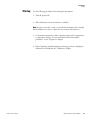
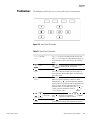
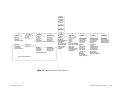
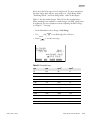
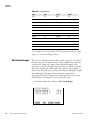
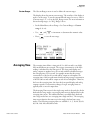
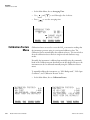
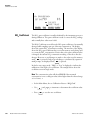
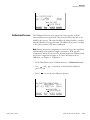
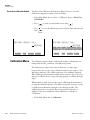
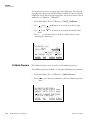
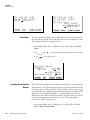
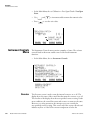
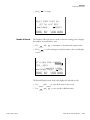
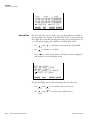
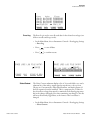
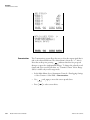
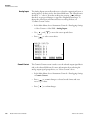
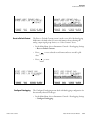
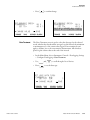
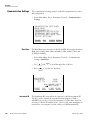
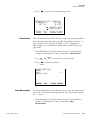
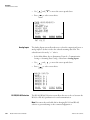
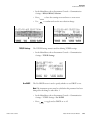
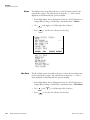
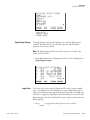
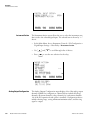
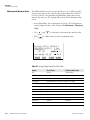
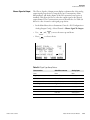
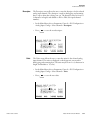
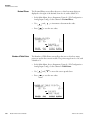
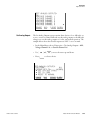
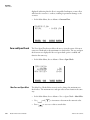
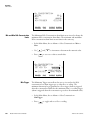
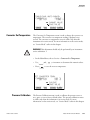
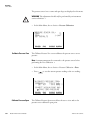
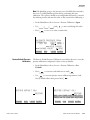
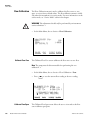
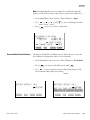
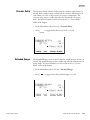
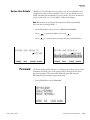
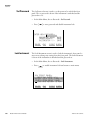
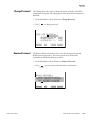
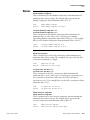
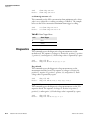
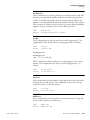
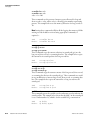
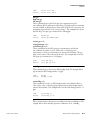
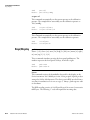
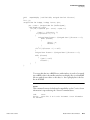
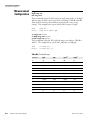
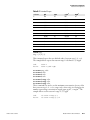
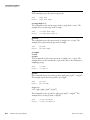
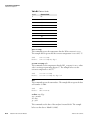
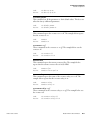
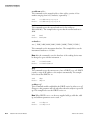
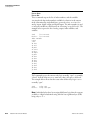
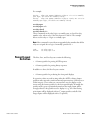
Operation Calibration Menu CALIBRATION: >CAL NOx BACKGROUND CAL NOx COEFFICIENT CALIBRATE PRESSURE ZERO/SPAN CHECK RANGE AVG CALIBRATION: >CAL NOx BACKGROUND CAL HI NOx COEFFICIENT CAL LO NOx COEFFICIENT CALIBRATE PRESSURE DIAGS ALARM Calibrate NOx Background RANGE AVG DIAGS ALARM The Calibrate NOx Background screen is used to adjust the background, or perform a “zero calibration”. Be sure the analyzer samples zero air until the readings stabilize. The display shows the current NOx reading. It is important to note the averaging time when calibrating. The longer the averaging time, the more precise the calibration will be. For the most precise calibration, use the 300-second averaging time. For more information about calibration, see Chapter 4, “Calibration”. • In the Main Menu, choose Calibration > Calibrate NOx Background. • Press to set the new reading to zero. NOx BACKGROUND: NOx: CURRENTLY: 3.4 0.0 ? SET NOx TO ZERO RANGE Calibrate NOx Coefficients AVG DIAGS ALARM The span calibration screens are used to adjust the NOx span concentrations while sampling span gas of known concentration. The display shows the current NOx concentration reading and the current NOx range. The next line of the display is where the NOx calibration gas concentration is entered. Thermo Fisher Scientific Model 42i NOx Instruction Manual 3-23