1
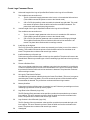
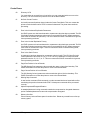
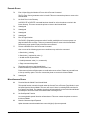
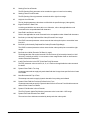
APPENDIX C. ERROR CODES
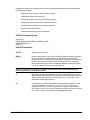
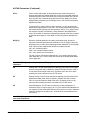
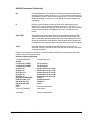
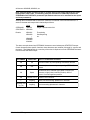
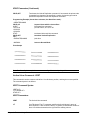
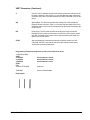
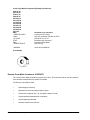
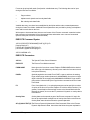
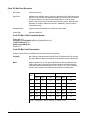
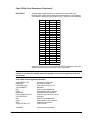
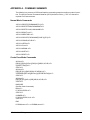
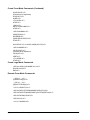
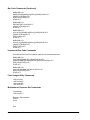
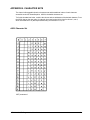
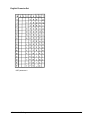
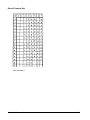
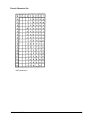
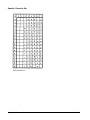
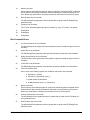
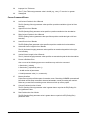
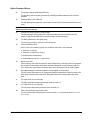
This defines the coded error messages that can result from invalid commands. Error codes and
messages are presented in numeric order 01 to 155 and are grouped by command or function.
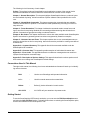
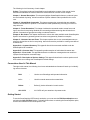
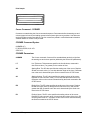
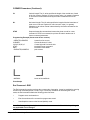
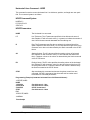
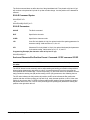
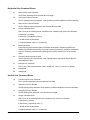
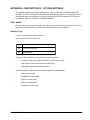
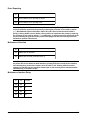
Error Code
Related Command or Function
01-09
Horizontal Line
10-19
Vertical Line
20-29
Box
30-39
Corner
40-49
Alpha
50-51
Logo
60-69
Create
70-79
Execute
80-89
Miscellaneous
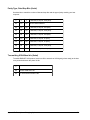
90-110
Bar Codes
111-119
Reverse Print
120-129
Printer Mode
130-139
Incremental Fields
140-149
Scaling
150-155
Multinational Character Set
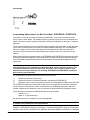
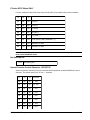
Debug Mode
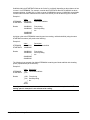
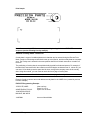
In order for the printer to produce an error message, you must initiate the Debug Mode by entering a “/
” in the CREATE command sequence as follows:
<SFCC>CREATE;/FORM NAME
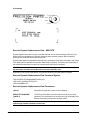
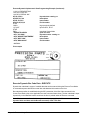
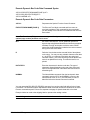
The form will not be printed in the Debug Mode. Instead, the printer will print the program and identify
error conditions by printing a code and message on any line that contains an error. Only the correct
command lines will be stored in memory. Once the errors have been corrected, you should remove
the “/” from the CREATE command and run the program again to produce the form and store it in
memory.
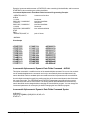
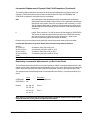
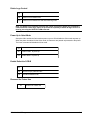
Execute Mode errors 70 through 79 and miscellaneous errors 80 through 89 will cause the printer to
switch to Normal Mode processing.
GEK-89149A IGP Programmer’s Manual
C-1