1
5. Mithras Software Functions
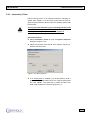
5.5.6 Definition of Evaluation Parameters in Child Windows
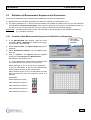
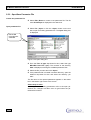
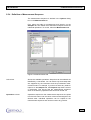
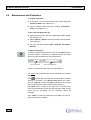
Evaluation parameters are selected using items on the navigation bar or via tool buttons and defined on the respective matrices. In general, default settings are defined such that they
hardly need to be changed for simple luminescence measurements. Check the following matrices anyway and, if necessary,
edit the settings.
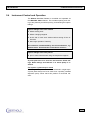
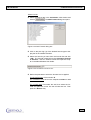
You may add more matrixes in each menu item (via Options |
Matrix...) and define parameters for each matrix for measurement and evaluation (by well, by row or column or for the entire
microplate).
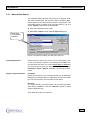
To edit matrices, double-click on the respective tab. For more
information please refer to the MikroWin2000 User Guide.
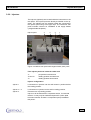
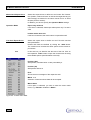
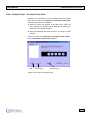
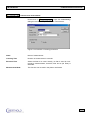
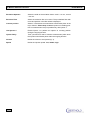
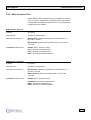
Child windows
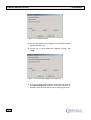
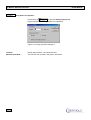
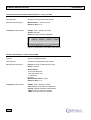
Data child window
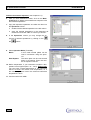
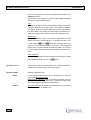
The data supplied by the Reader Unit are entered on matrix 1.
You may enter sample ID, error information and dilution factor
on the defaulted matrices.
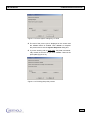
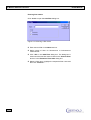
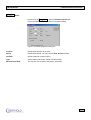
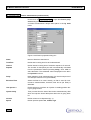
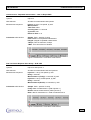
Template child window
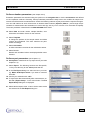
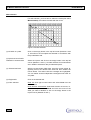
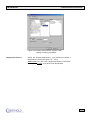
Here you may change the partition of the sample matrix and define controls and standards. The other matrices are partitioned
accordingly.
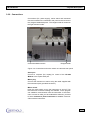
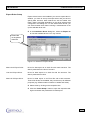
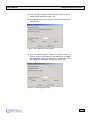
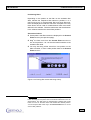
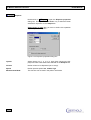
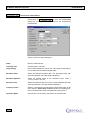
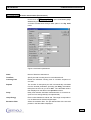
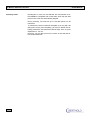
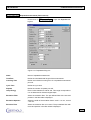
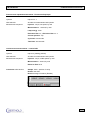
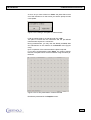
Calculation child window
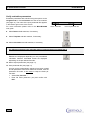
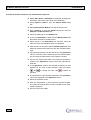
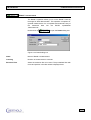
Three matrices show the well positions (Sample_ID), the measurement data (Reader_Values) and the calculated results (Results). Any formula may be used for measurement data and
results. You can type a formula directly into the calculation formula text box or select it from the Add Formula dialog box.
A formula can be defined for individual wells, columns or rows
or for the entire plate.
106
LB 940 Mithras